Important: this article is aimed at Endalia HR users with an Administrator profile.
The management of work shift editing allows you to request modifications to the records of the same, once it has been validated. Find out how to carry out this functionality in the following text.
This article contains:
Manage work shift edit requests
First of all, keep in mind that the request originates from the employee portal. Once done, you can monitor the approval status they are in, accept, and/or reject them. These are the steps to follow:
Within the hub Time Management, click on Time Record > Time Record Monitoring > Shift Edits
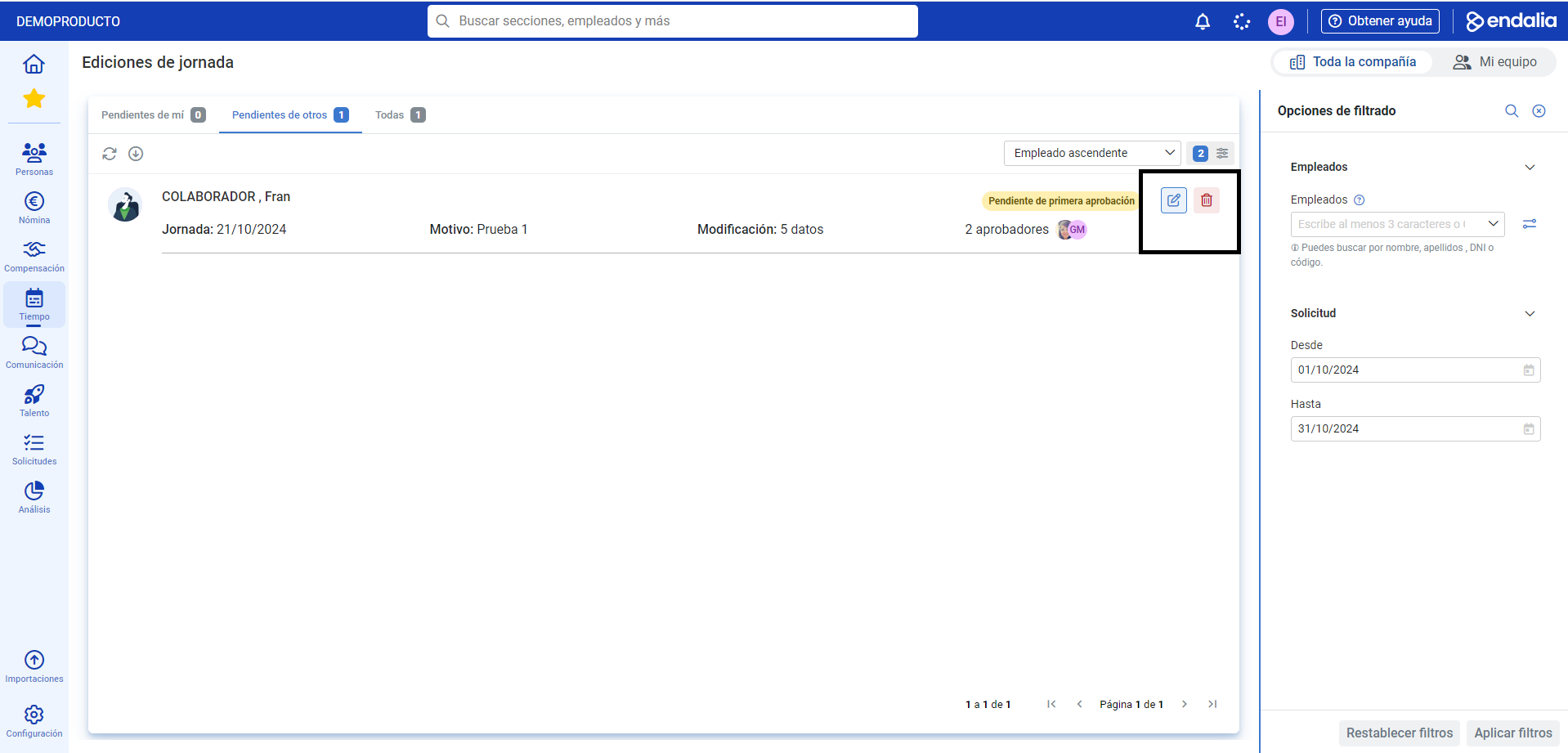
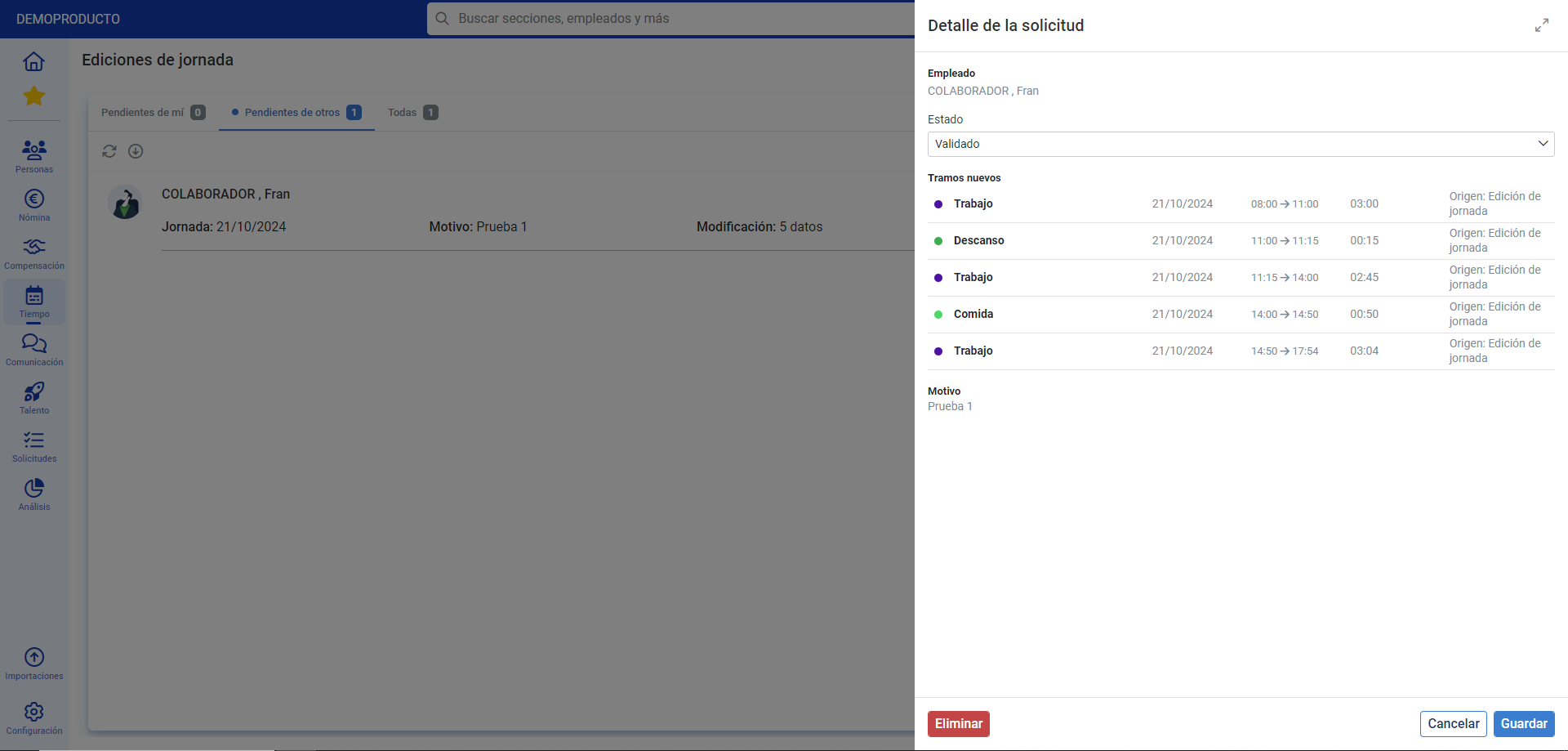
- In the tabs at the top, you can see the aggregate of requests and their states. Click on the employee box or click on the corresponding row to modify the request status for a specific employee. Remember to validate your changes.
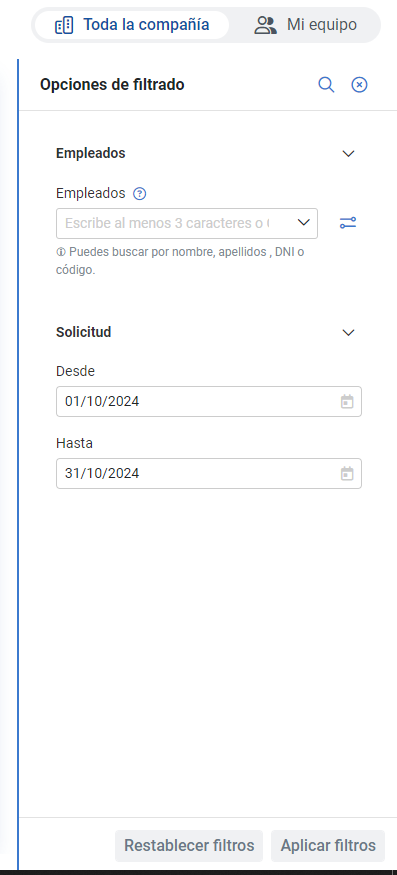
- Remember you have Filtering options, on the right side of the screen as an additional management tool for editing requests. Click on Apply filters to finalize your preferences:
Still have questions? Check out the following related articles:
Also, you can view our glossary available at this link.
Was this article helpful?
That’s Great!
Thank you for your feedback
Sorry! We couldn't be helpful
Thank you for your feedback
Feedback sent
We appreciate your effort and will try to fix the article