Important: this article is aimed at Endalia HR users with a Collaborator profile.
As an employee, being able to manage your personal information is a great advantage, as it allows a degree of independence and autonomy to update all your data. If you want to know more, keep reading.
Here you will find:
View and manage personal, family, and contact information
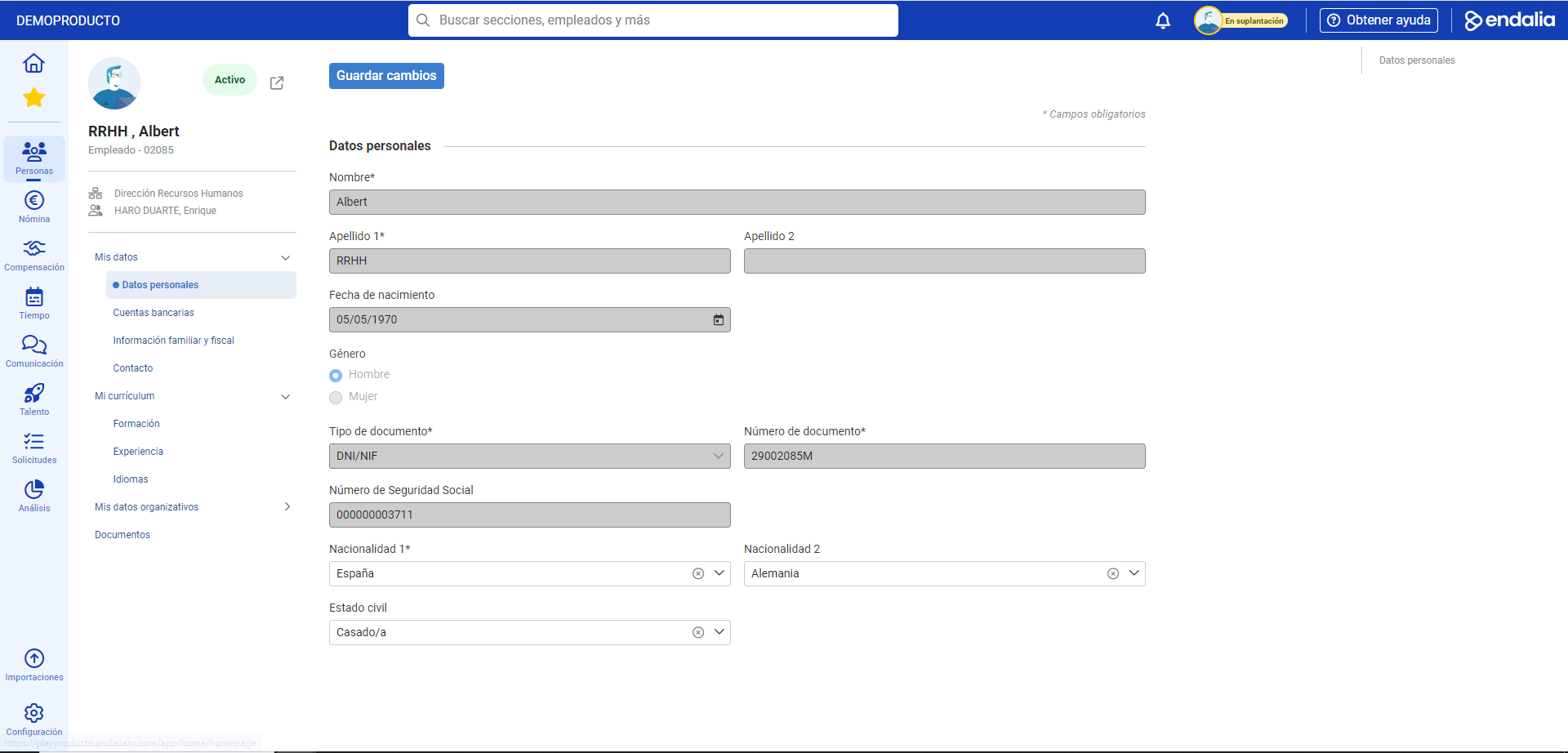
- Within the hub Organization and People, click on the People module > My Employee Record > My Data
- On the screen that follows, use the different tabs to access the sections with the fields to fill in. Remember that fields marked with an asterisk (*) are mandatory, and you will need to click the button at the upper left of the screen, Save changes, to apply your preferences.
Process video
Here is the complete process video:
To learn more, take a look at the following articles:
If you have questions about the terms, take a look at our glossary at this link.
Was this article helpful?
That’s Great!
Thank you for your feedback
Sorry! We couldn't be helpful
Thank you for your feedback
Feedback sent
We appreciate your effort and will try to fix the article