Important: this article is intended for Endalia HR users with a Collaborator profile.
As an employee, being able to view professional information is a must in today's workplace. Here we show you how to perform this function in a simple and practical way.
In this article:
View professional data/contracts and manage additional information
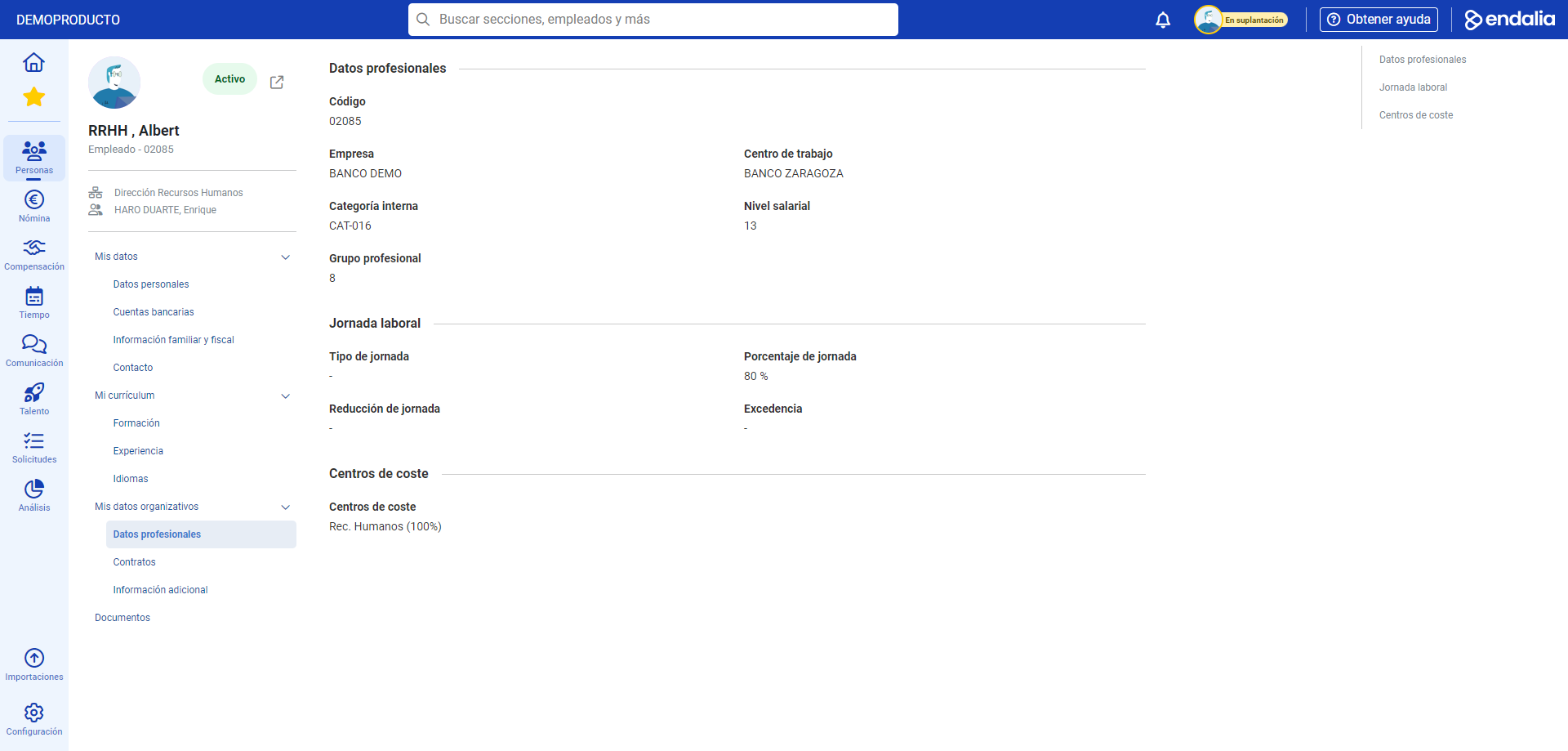
- Within the hub Organization and People, click on the People module > My Employee Profile > My Organizational Data
- Next, navigate through the menu items on the sheet to reach the various related fields, specifically My Organizational Data > Professional Data/Contracts/Additional Information. This last item is the only one that allows modifications, while the other two are read-only. In this regard, remember to click Save Changes to make your preferences effective:
Process video
Want to know more? Check out the following related articles:
If you have questions about the terms, take a look at our glossary at this link.
Was this article helpful?
That’s Great!
Thank you for your feedback
Sorry! We couldn't be helpful
Thank you for your feedback
Feedback sent
We appreciate your effort and will try to fix the article