Important: this article is intended for Endalia HR users with a Collaborator profile.
Being able to view my information at any time no longer means solely keeping all the documents in paper format, but having everything at hand, compiled in a virtual format. If you want to know more, keep reading.
In this article:
Manage and view my documents
- Inside the hub Organization and People, go to People> My employee file > My documents
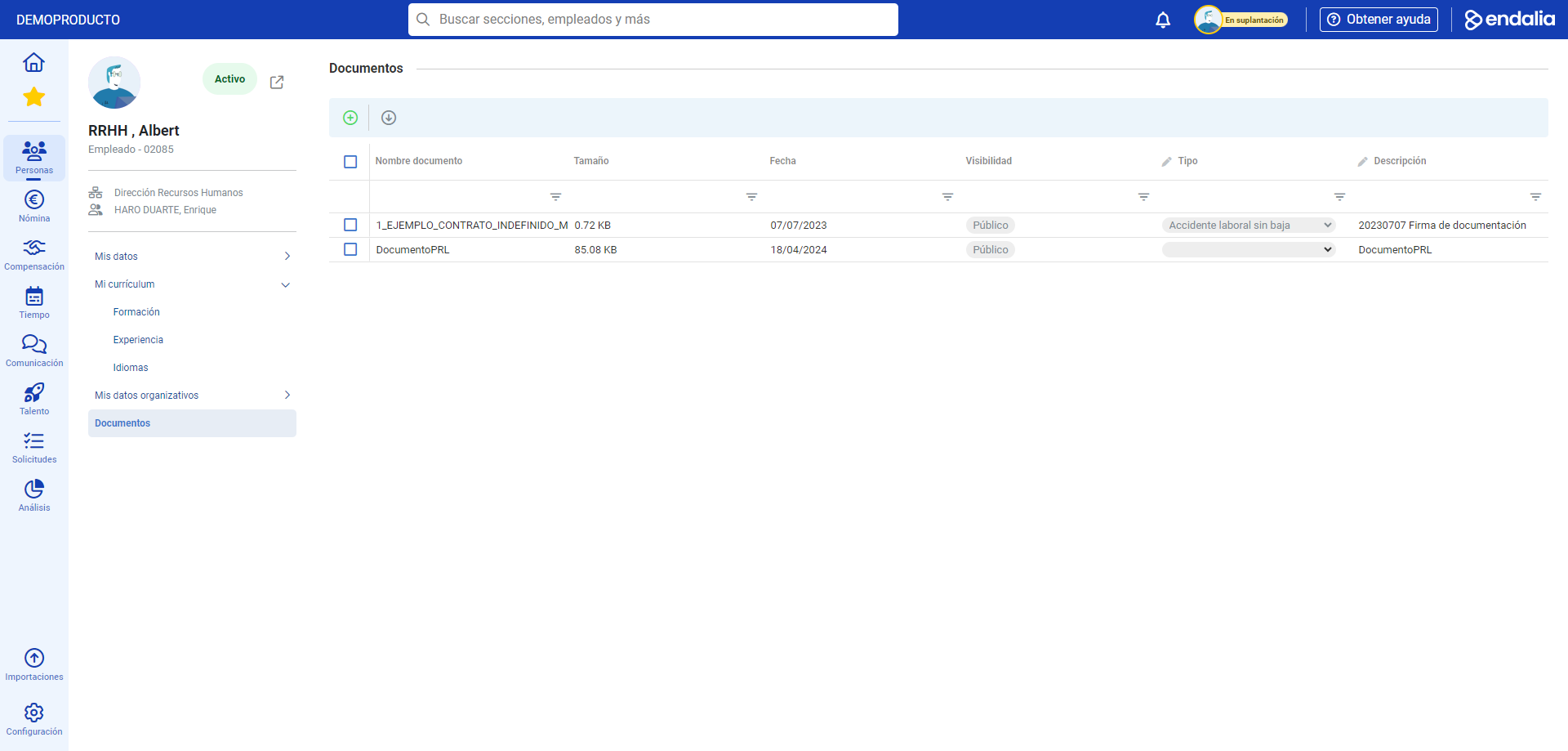
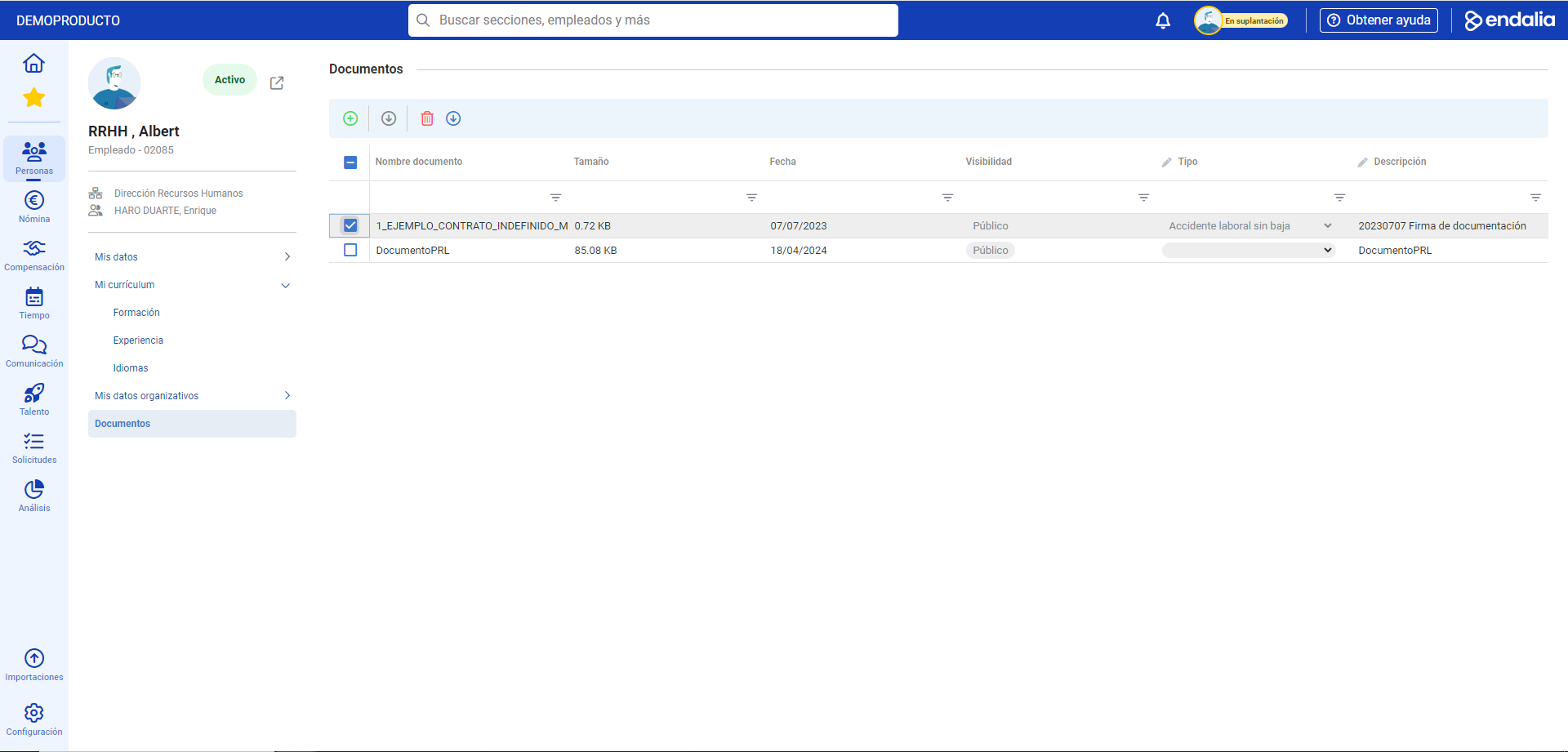
- On the screen that follows, you have a list with all the information related to your work documents, classified by date, visibility, type, etc. To Export or Download these documents, select the checkboxes for them, or click on the name and then use the buttons located on the toolbar:
Important: if you can edit this section (you'll need permissions from the administration), you can add documents to this section, but they will always be publicly visible.
Process Video
Here is the full process video:
Want to know more? Check out the following related articles:
- View professional data/contracts and manage additional information
- View and manage personal, family, and contact data
If you have doubts about the terms, check out our glossary at this link.
Was this article helpful?
That’s Great!
Thank you for your feedback
Sorry! We couldn't be helpful
Thank you for your feedback
Feedback sent
We appreciate your effort and will try to fix the article