Important: this article is intended for Endalia HR users with the Administrator profile.
To manage a company's objectives, it is necessary first to define time frames to outline these goals and ultimately perform the corresponding evaluations. Take a look at this text to learn more about it.
In this article:
Create a period
- Within the hub Configuration, click on Objectives > Periods
- This initial action is necessary to create a framework where the objectives will later be displayed. To do this, click on the Add period button, which you will find on the toolbar. In the modal window, enter the name and the start/end dates (mandatory) before clicking on Add
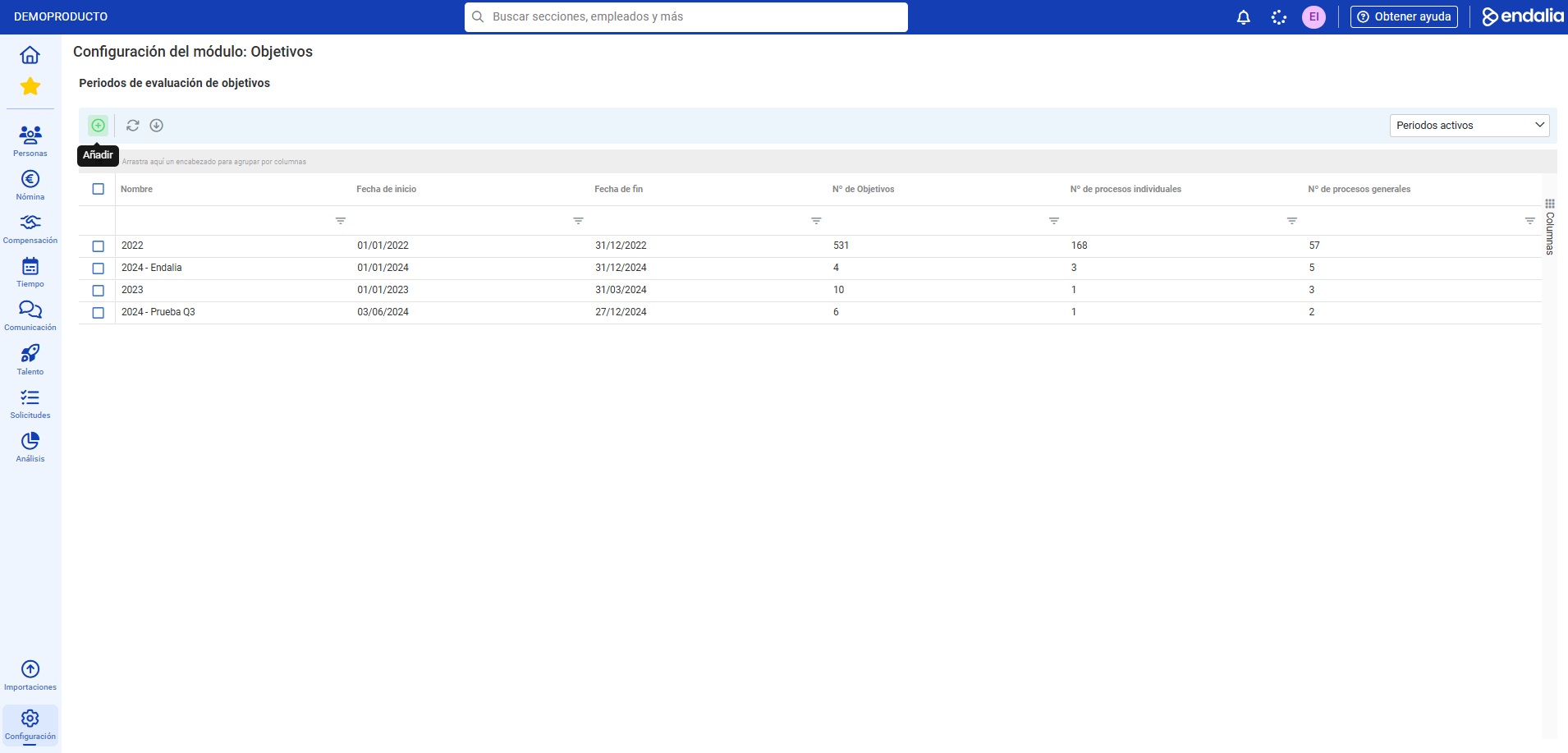
- You can now see the newly created period in the list. Remember that you have the buttons available on the toolbar to update, generate Excel reports, edit, duplicate, or archive a period.
Video of the process
We show it to you quickly:
If you want to know more, check out the following related articles:
If you have doubts about the terms, take a look at our glossary at this link.
Was this article helpful?
That’s Great!
Thank you for your feedback
Sorry! We couldn't be helpful
Thank you for your feedback
Feedback sent
We appreciate your effort and will try to fix the article