Important: the collected data is transferred to the responsible party, who can later conduct an analysis of your score, as well as an average assessment of your job requirements.
This article is aimed at Endalia HR users with a Collaborator profile.
Another feature offered by the software is self-assessment, which is the ability to evaluate one's work, interactions with colleagues, self-improvement abilities, etc. Learn how to perform it with these simple steps we offer.
In this article, you will find:
My Competency Assessments
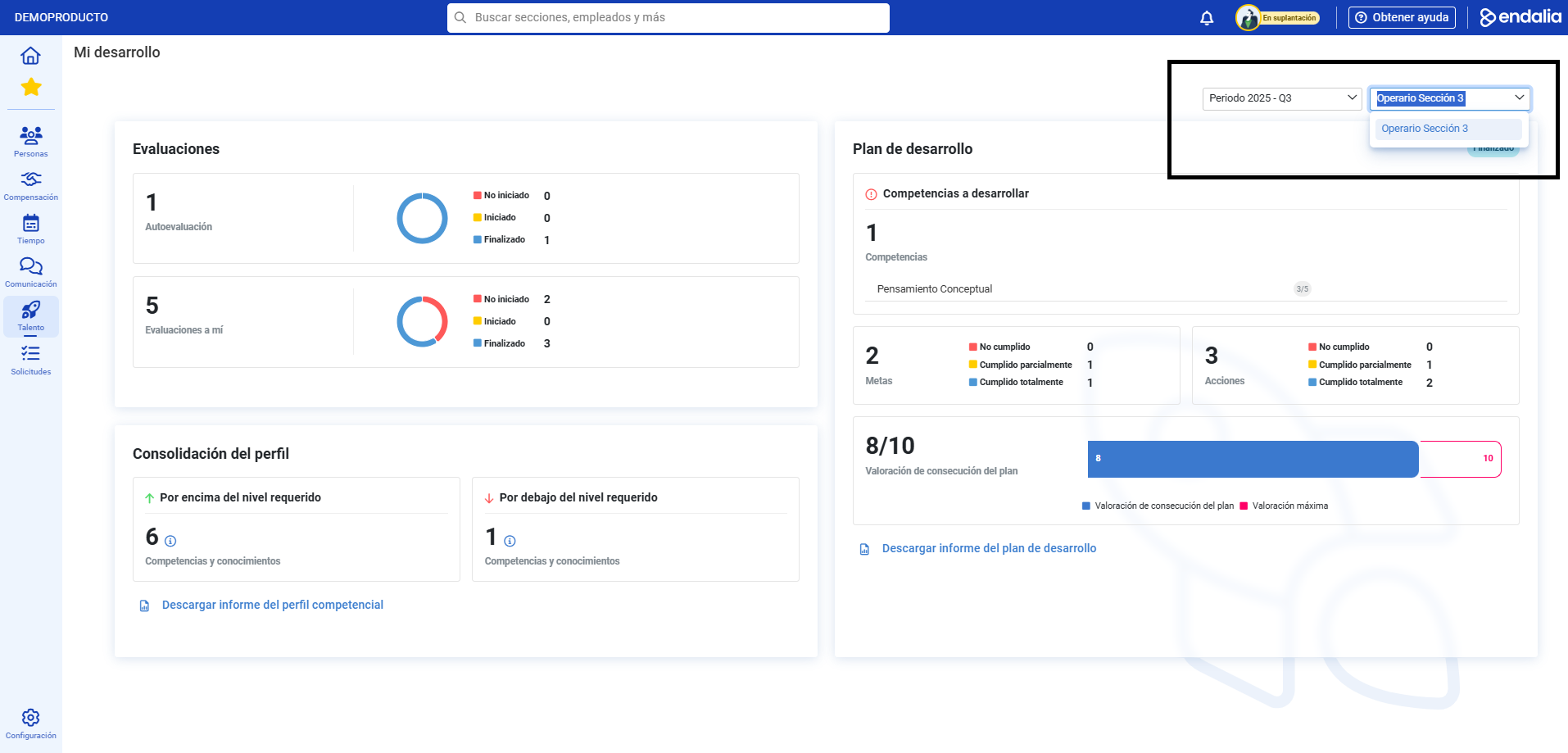
- Within the Performance and Talent hub, follow the path: Development > My Professional Development
- On the right side of the screen, you will find two filters; period and position. Select the information in both to access the screen of My Development
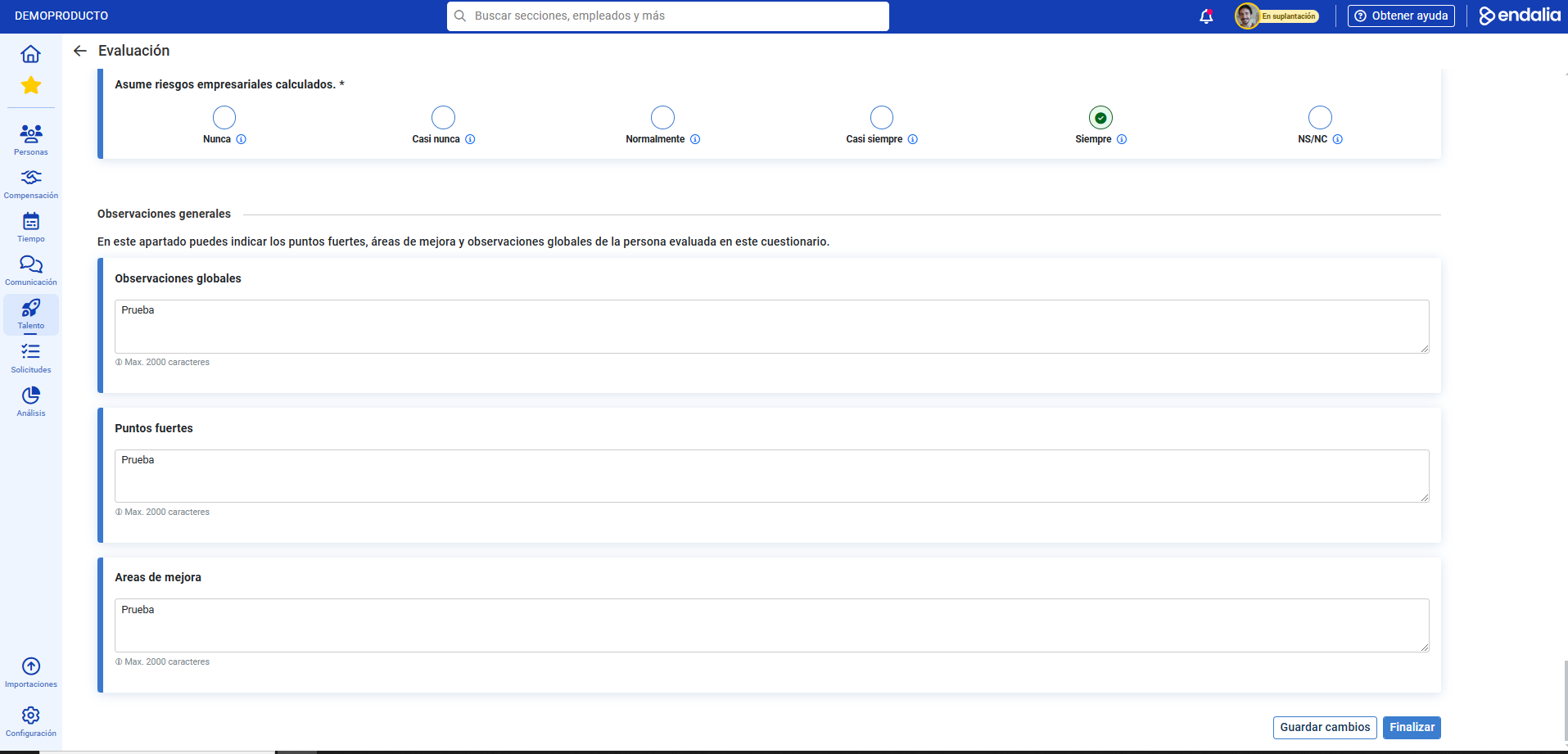
- To access a self-assessment, click on the Evaluations > Self-Assessment section. Complete the required fields and the observations (optional) and alternatively click on Save Changes to continue editing at another time, or on Finish to complete the process:
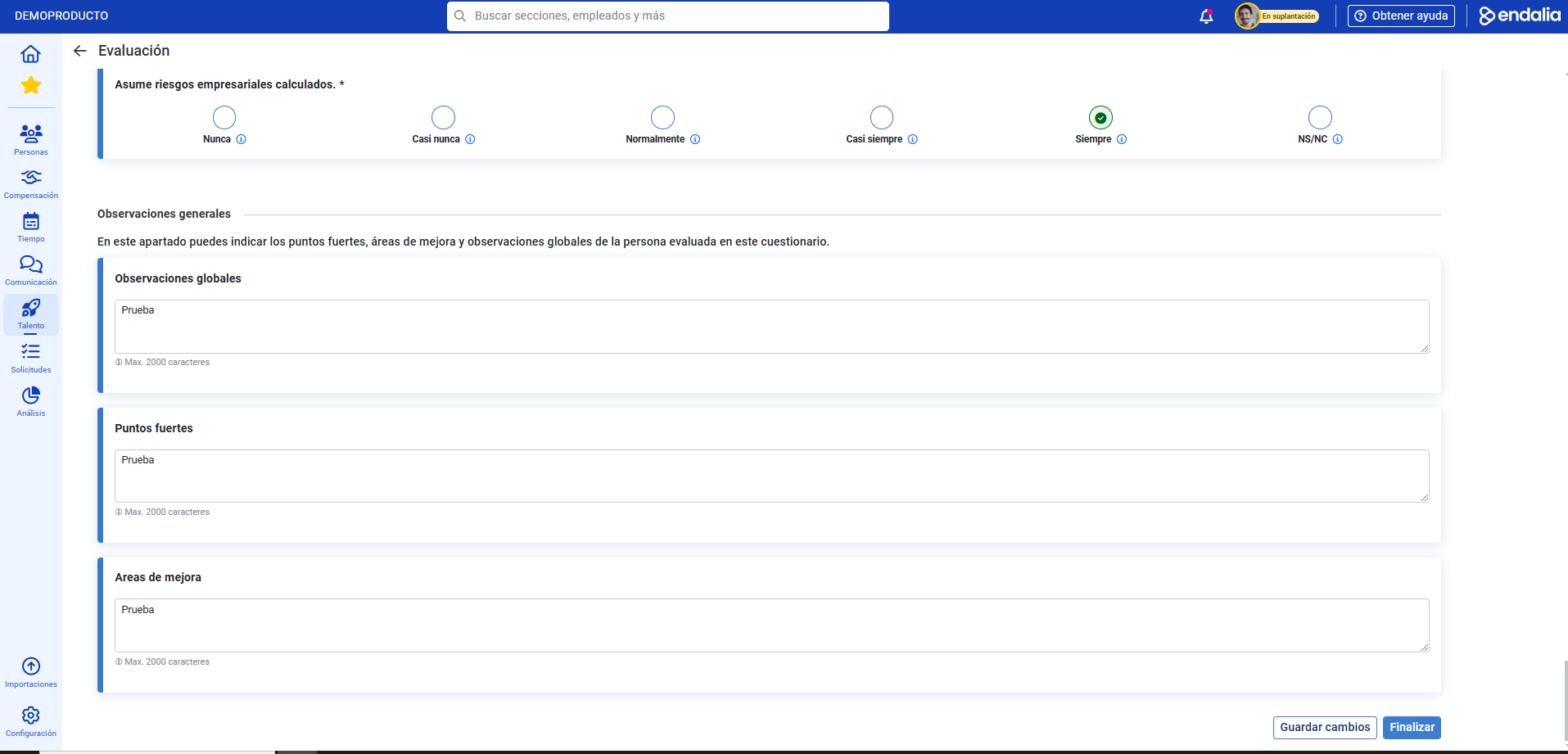
Note: You can also access your evaluations list through the path Performance and Talent > Development > Me > My Evaluations. In the columns of this list, they should appear as unfinished and be categorized as self-assessment; otherwise, you will not be able to access them. Select using the usual action and click on Edit Self-Assessment in the toolbar:
Video of the Process
Additionally, you have access to a glossary of useful terms. To access it, just click on this link.
Was this article helpful?
That’s Great!
Thank you for your feedback
Sorry! We couldn't be helpful
Thank you for your feedback
Feedback sent
We appreciate your effort and will try to fix the article