Important: this article is intended for Endalia HR users with a Collaborator profile.
In addition to announcements, always necessary, news helps you stay up to date on other important company matters: corporate resources, product training, etc. Now, keeping updated is easier than ever!
In this article:
News
Inside the Communication hub, click the module Internal Communication > Corporate Up-to-Date > News
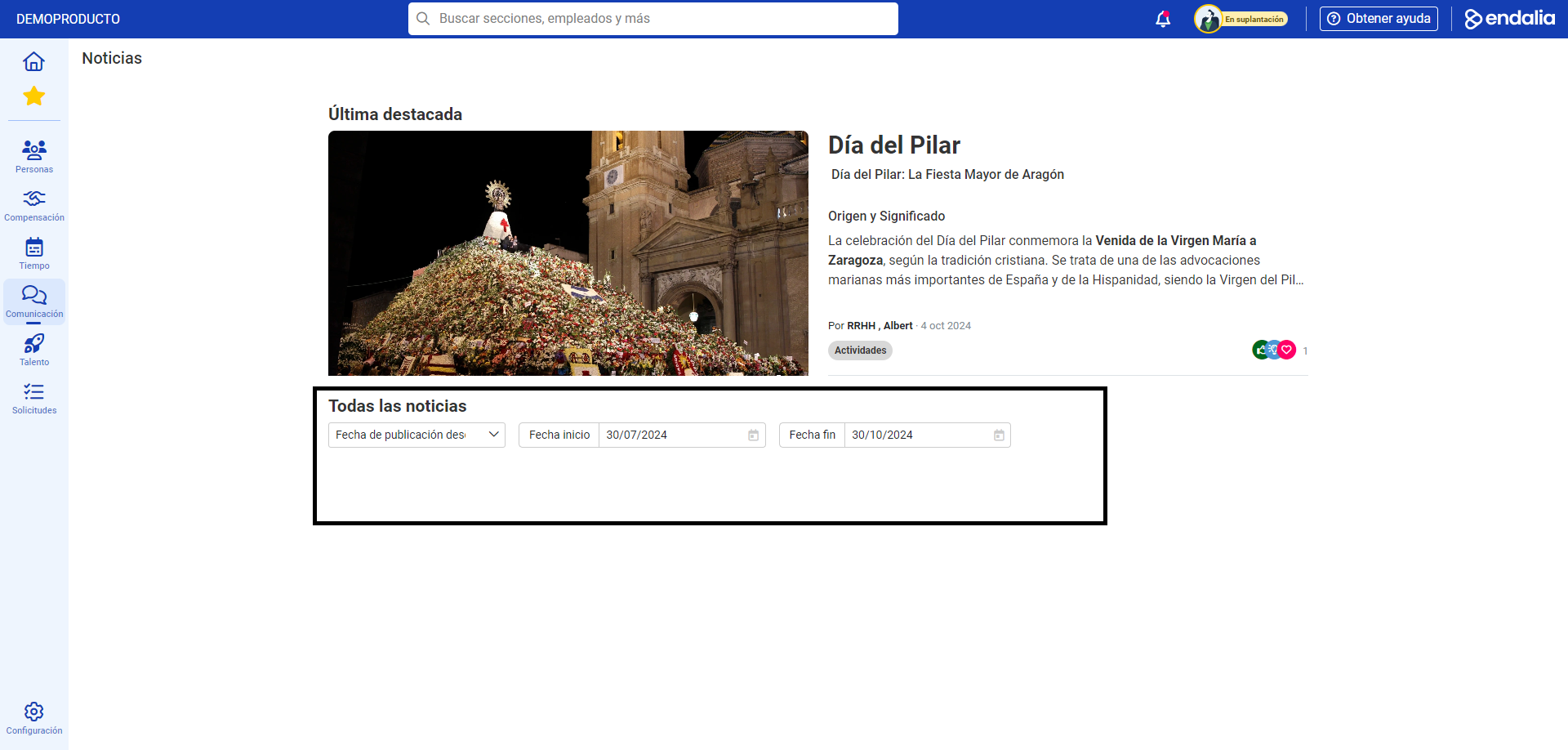
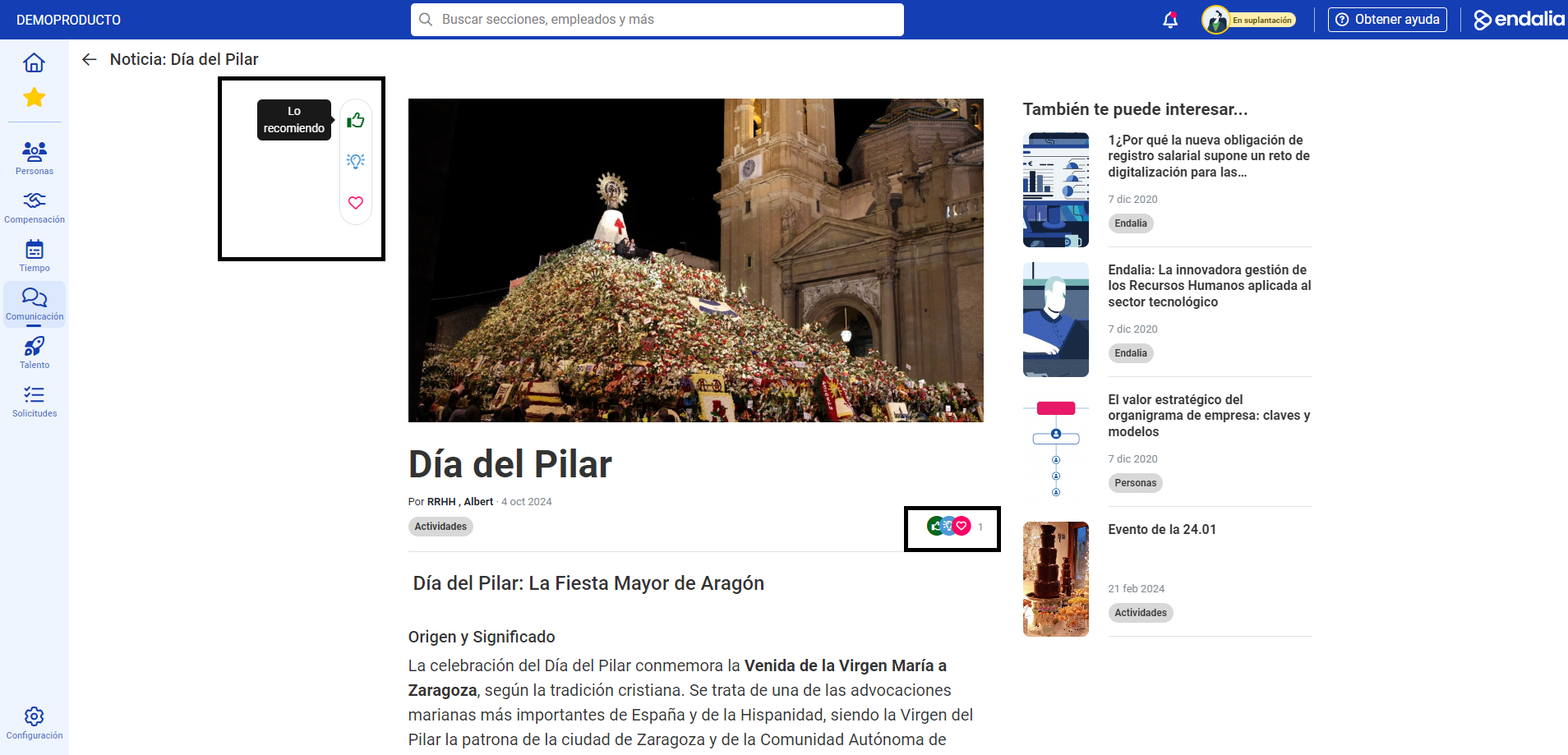
- Now, you can see all company news, which will be updated periodically, as well as interact with them through various actions ("Like", "I recommend", etc.) and view the engagement generated by other company members. In the All news section, you can sort communications by specific dates, in ascending or descending order, etc., according to your preferences:
Reactions and views
Process video
All these steps, in a few informative seconds:
Additionally, you can view our glossary, available at this link.
Was this article helpful?
That’s Great!
Thank you for your feedback
Sorry! We couldn't be helpful
Thank you for your feedback
Feedback sent
We appreciate your effort and will try to fix the article