Important: this article is intended for users of Endalia HR with a Collaborator profile.
If you want to stay up-to-date with everything happening in your company quickly and intuitively, this feature serves it to you on a plate.
Here you will find:
Events
Within the Communication hub, click on the module > Internal Communication > Corporate Current Affairs > Events
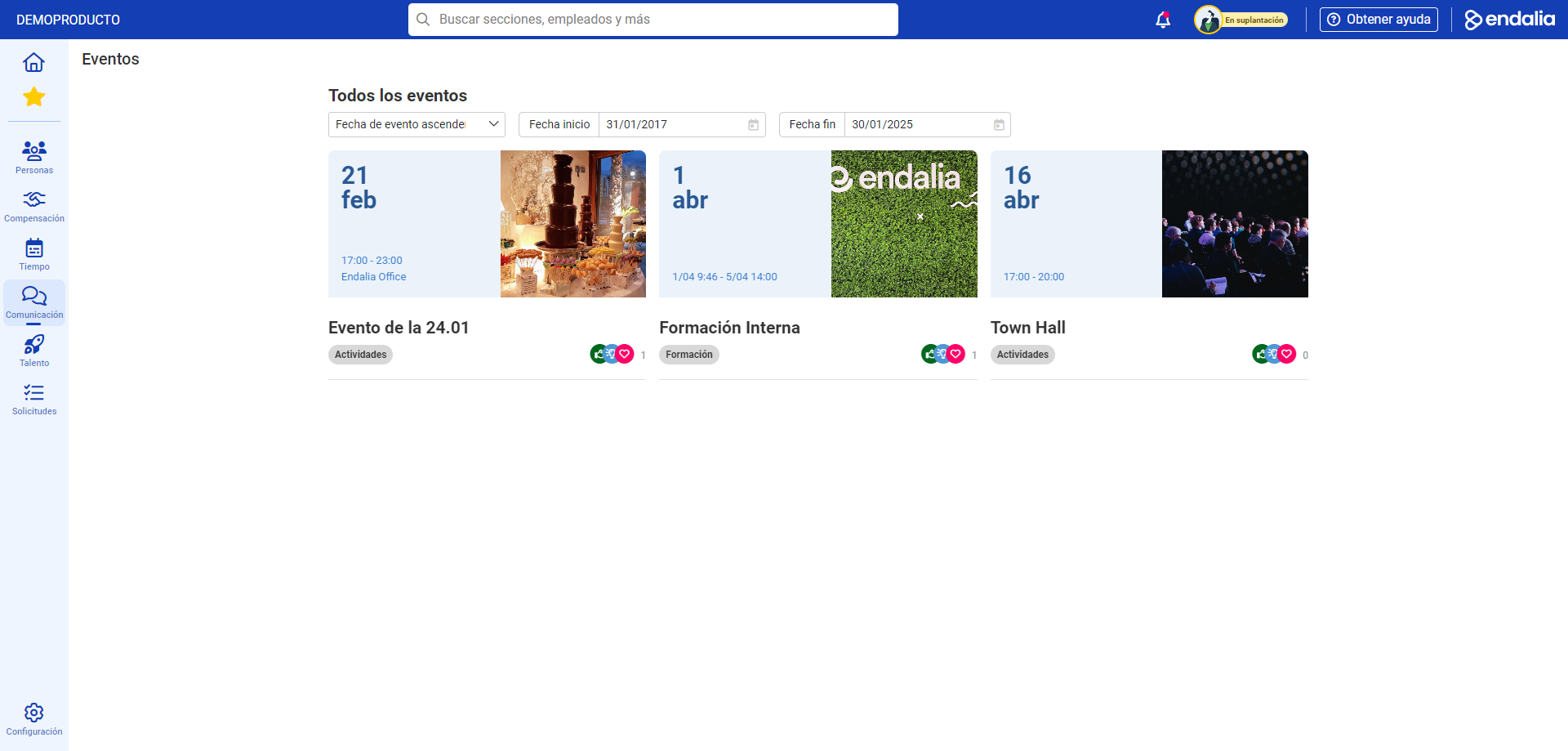
- In the window presented to you next, you have date filters available, and you should use them to find events within a specific range. Then, double-click on one specific event to view it:
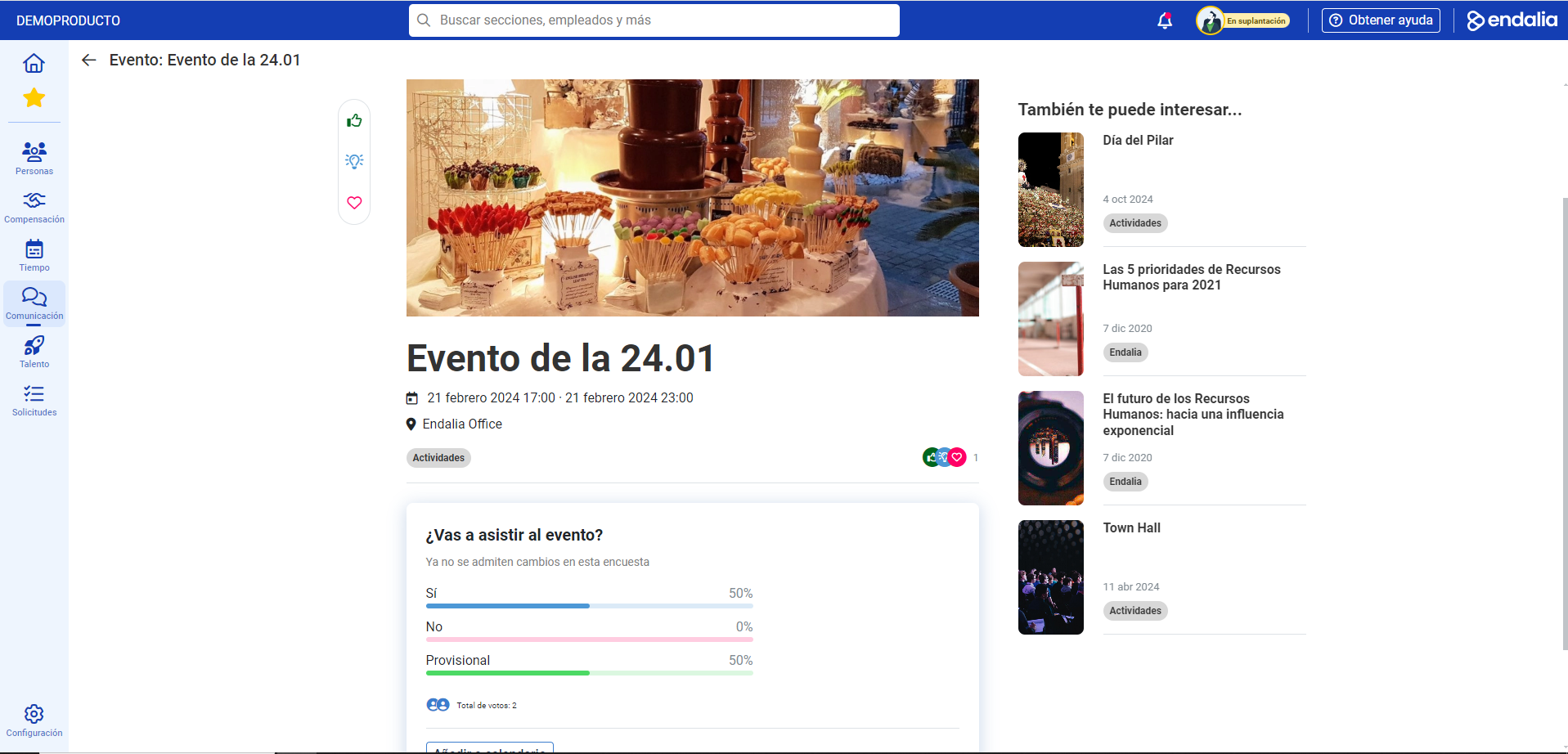
- Now you can view the full event and perform certain interactions, such as recommending, following, seeing the reactions of other company colleagues, confirming your attendance (or absence) to the event, adding it to your calendar, and, of course, having all the information available about this important date!
Process video
Here is the information we just presented to you, summarized:
Still have questions? Check out the following related articles:
Additionally, you can view our glossary, available at this link.
Was this article helpful?
That’s Great!
Thank you for your feedback
Sorry! We couldn't be helpful
Thank you for your feedback
Feedback sent
We appreciate your effort and will try to fix the article