Important: this article is intended for Endalia HR users with an Administrator profile.
When hiring certain employees, the company can receive various bonuses, which directly affect the payment of their reduced social contribution. Here you can see where they are in the menu, what they contain, etc.
In this article:
Bonuses
Within the hub Configuration, click on Payroll > Bonuses
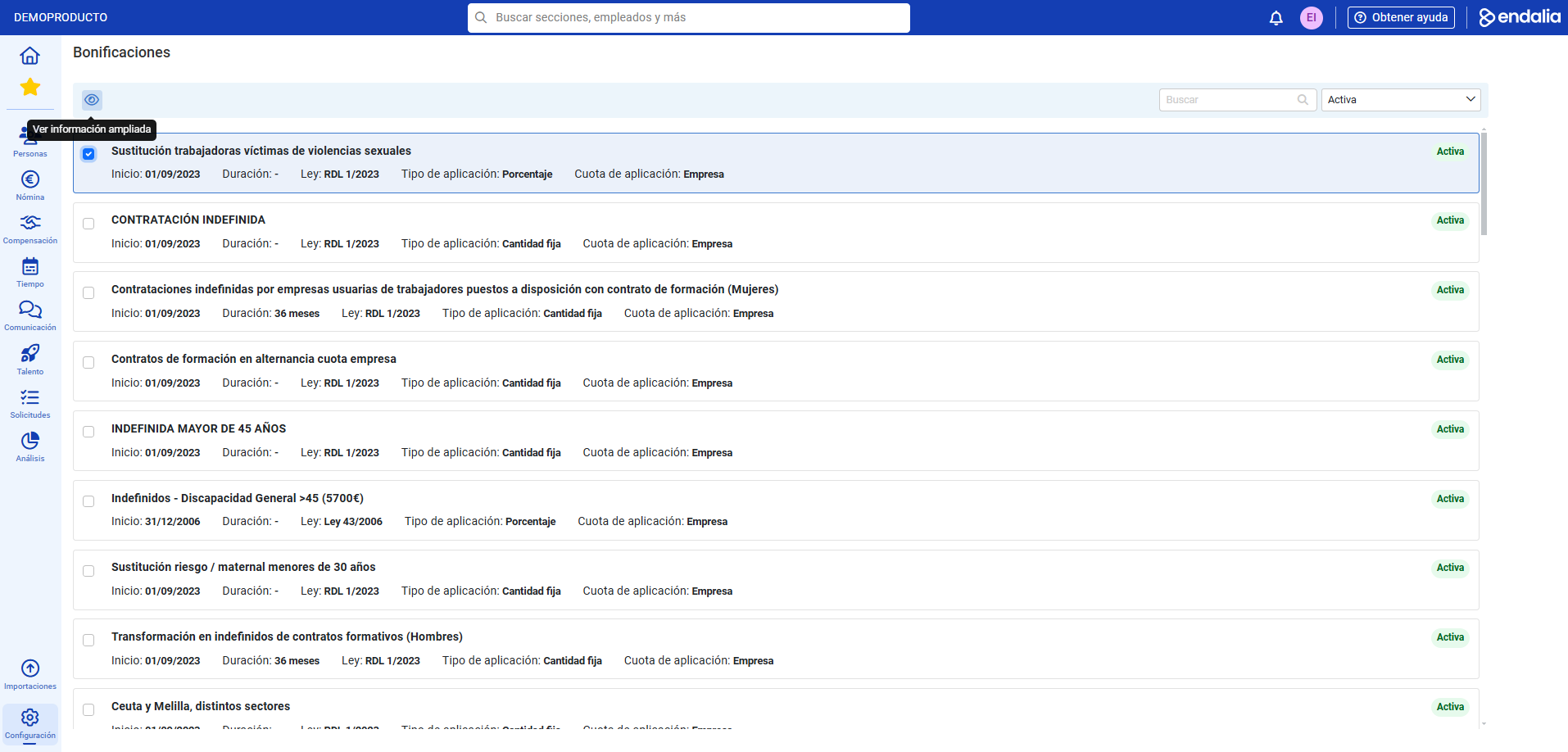
- On this first screen, you have a list of all active bonuses (you can also use the filter to view other parameters) that can be included in contracts.
- To view additional information on a specific bonus, click on its corresponding box and then press View additional information, which you will find in the toolbar:
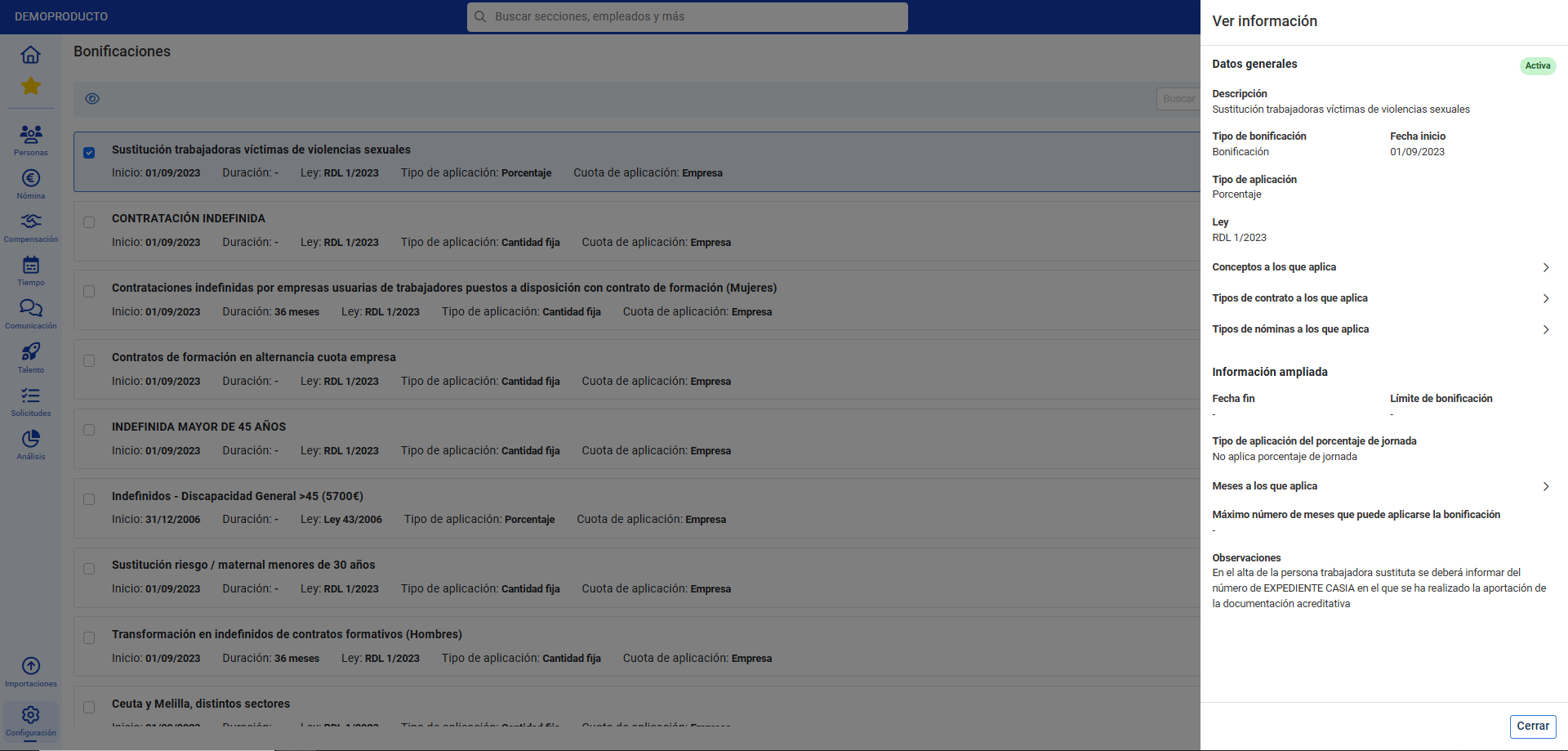
- In the side modal window, you have all kinds of data related to the bonus, which you can expand with the dropdowns. Finally, click on Close, to return to the main screen:
Additionally, you can view our glossary, available at this link.
Was this article helpful?
That’s Great!
Thank you for your feedback
Sorry! We couldn't be helpful
Thank you for your feedback
Feedback sent
We appreciate your effort and will try to fix the article