Important: this article is intended for Endalia HR users with a Collaborator profile.
With this option, you can complete any available eNPS survey.
Here you will find:
Answer survey
Within the hub Management and processes, click on the Requests > My requests > Received requests module.
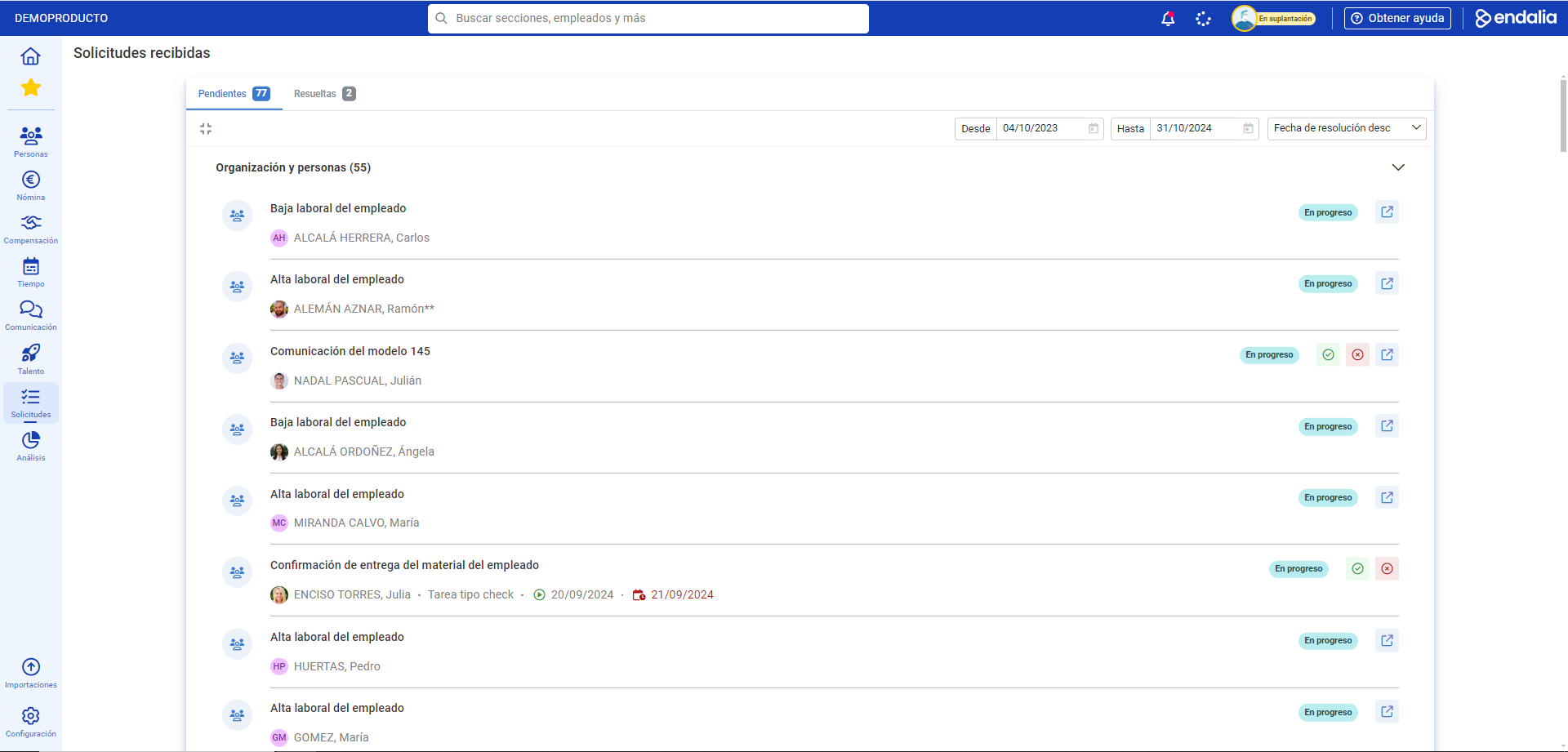
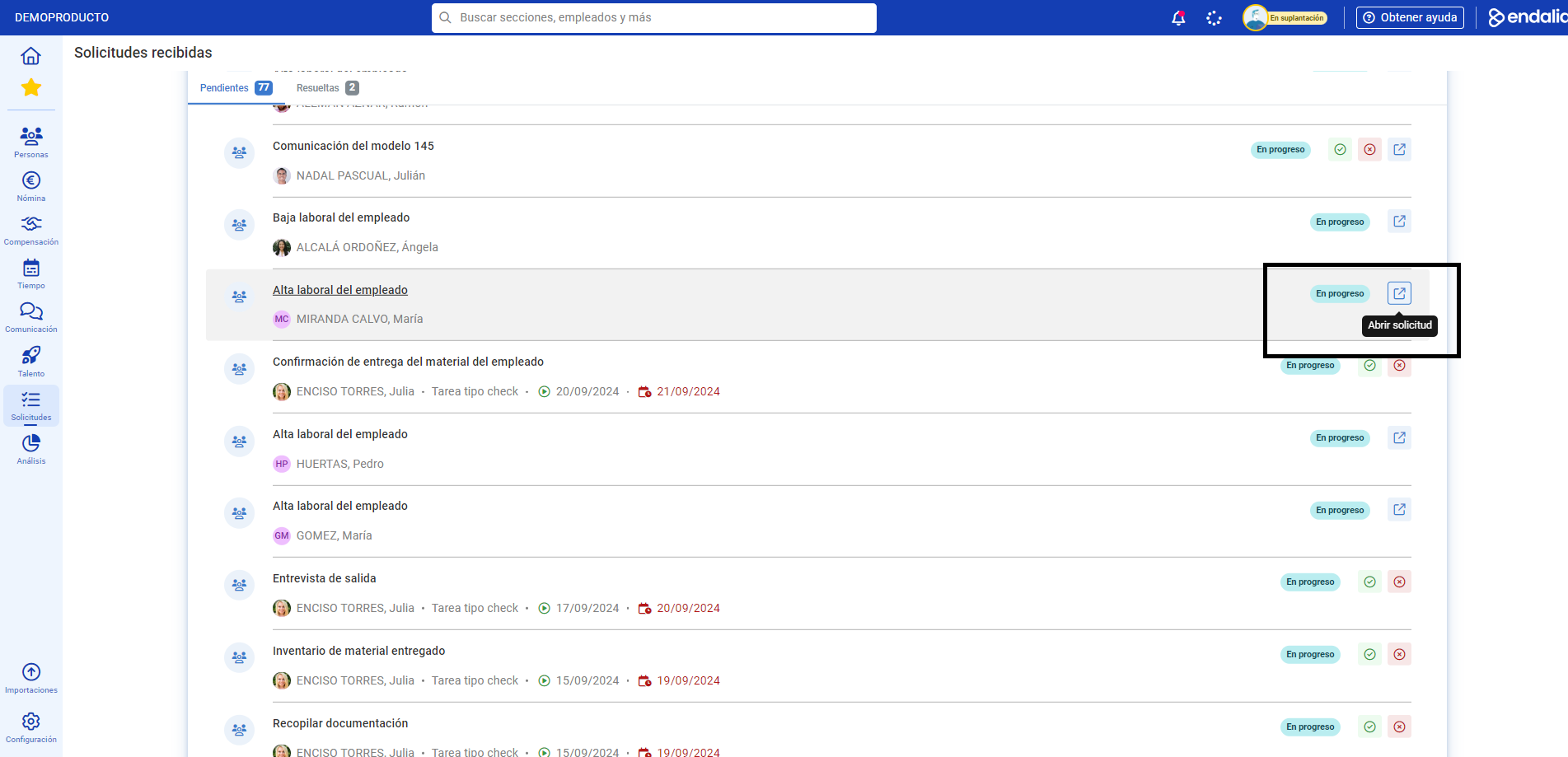
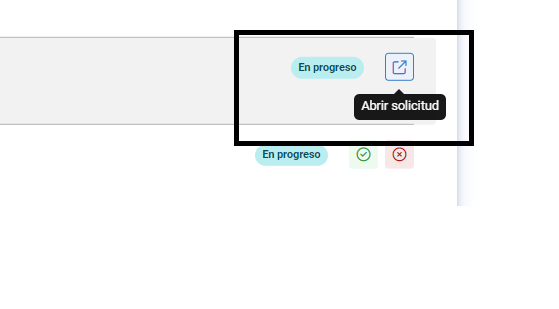
- On this first screen, called Received requests, within the Pending tab, you will also find surveys available for completion within the Internal Communication section. To perform this action, you just have to click the Open request button, which you will find on the right side of the screen, within each space dedicated to the survey:
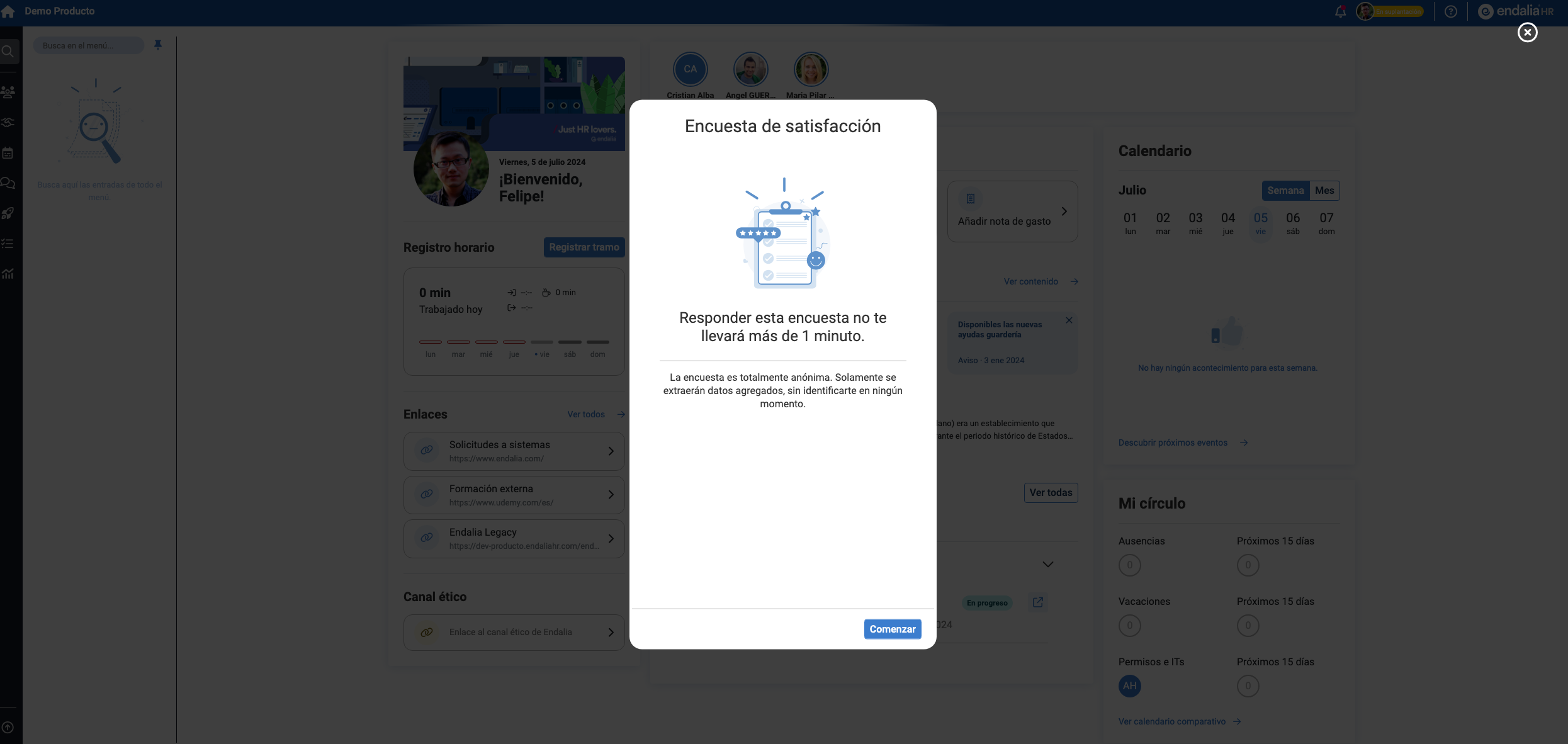
- You will only be able to respond to surveys if the entity to which you are associated (company or work center) is configured as an aggregator entity (in the module options), and if a survey has been previously scheduled and activated for you.
- Please note that once you respond to the survey, the request will be deleted to respect your privacy, i.e., the anonymity of the survey; therefore, the request will not be shown in the Resolved tab.
Note: Alternatively, you can access your surveys from the Home, in the Pending requests section, within the Received tab: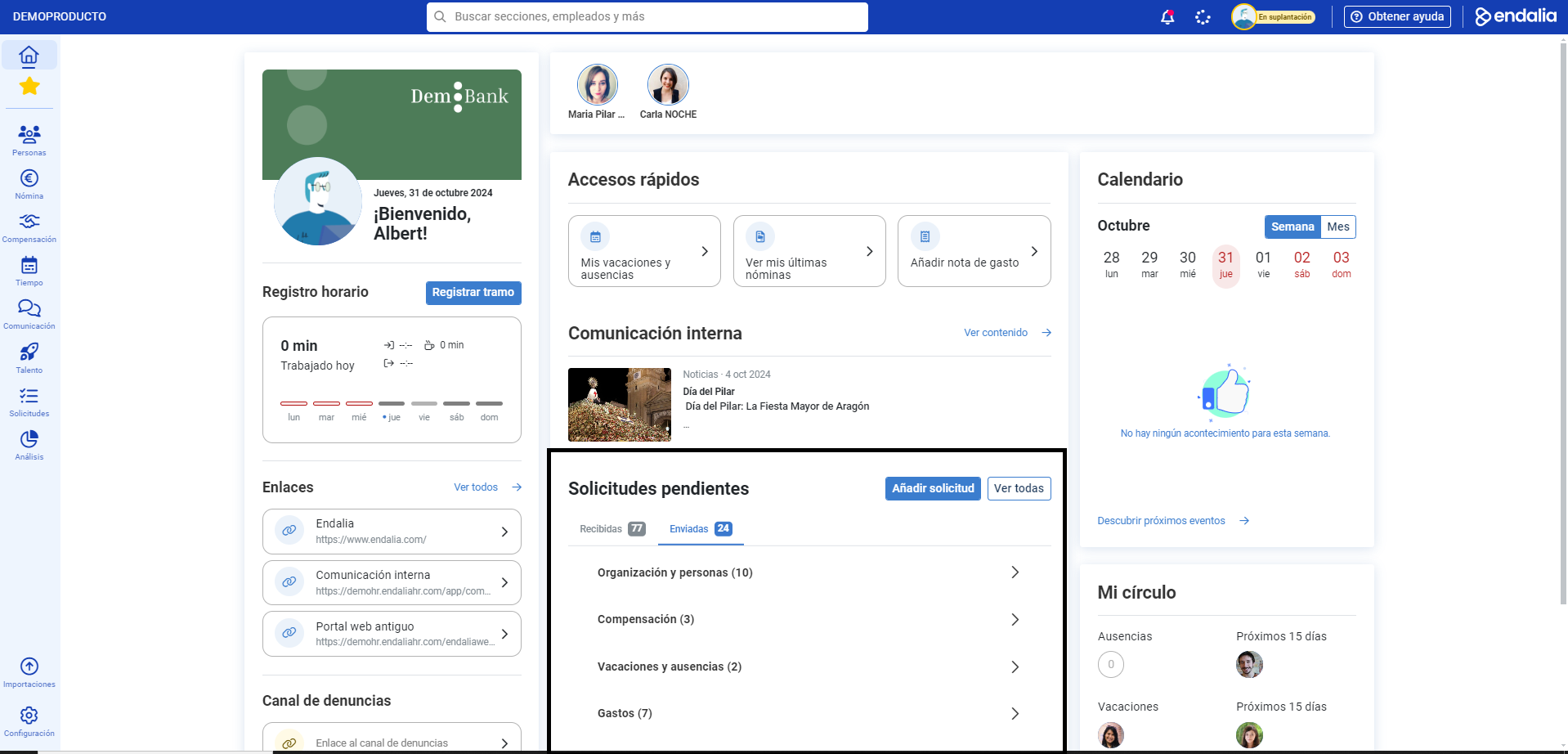
Furthermore, you can view our glossary, available at this link.
Was this article helpful?
That’s Great!
Thank you for your feedback
Sorry! We couldn't be helpful
Thank you for your feedback
Feedback sent
We appreciate your effort and will try to fix the article