Important: this article is directed at Endalia HR users with an Administrator profile.
A collaborator may change positions, schedules, teams... and also the status of belonging to a company!
In this article you will find:
Change employee status from external to active
- Within the hub Organization and People, select People > Personnel Monitoring > Externals.
- On the screen presented to you, there is a list of employees who are currently externals to the organization. To change their status to active, click on the row or check the box corresponding to the worker(s) and click the Change Status button on the toolbar to change the employee to active status or historic external. In the confirmation modal window, click again on Change
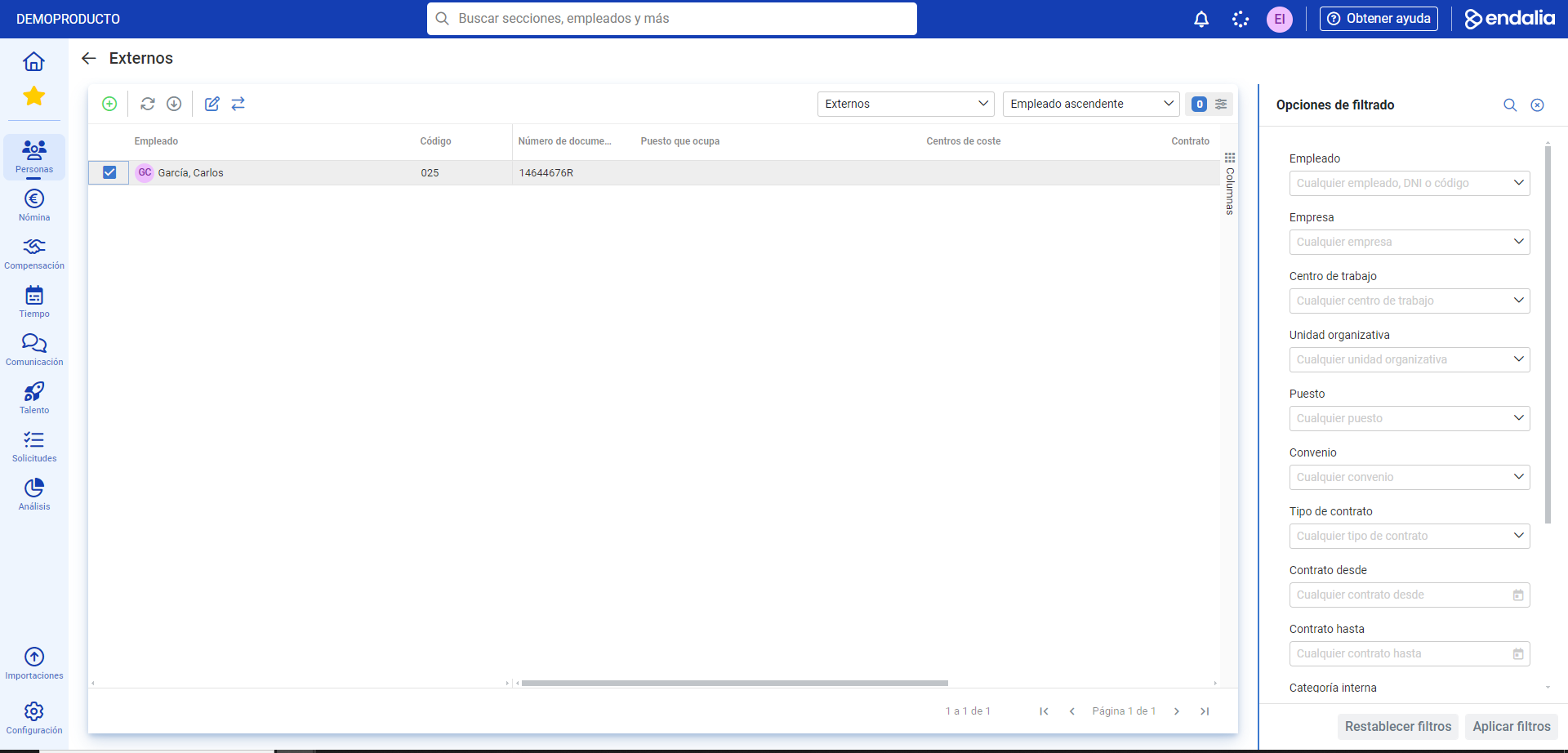
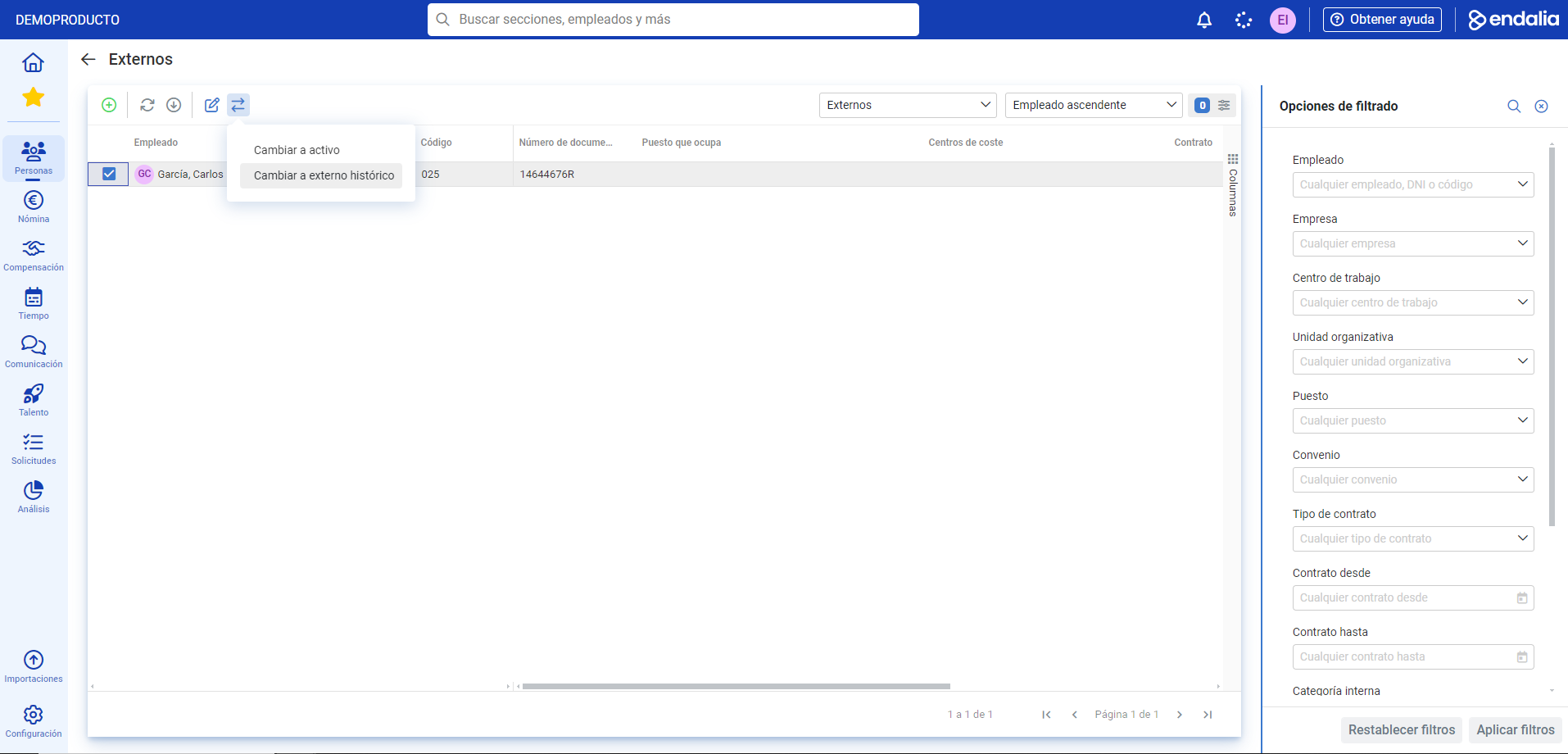
- Now you can see the employee(s) in the active list through the following path: Organization and People > People > Company > Employees.
Process video
Do you want to know more? Consult the following related articles:
If you have doubts about the terms, take a look at our glossary at this link.
Was this article helpful?
That’s Great!
Thank you for your feedback
Sorry! We couldn't be helpful
Thank you for your feedback
Feedback sent
We appreciate your effort and will try to fix the article