Important: this article is intended for Endalia HR users with Collaborator profiles; whether the collaborator or the administrator confirms the end of internal training, the employee's curriculum will be automatically updated.
Internal training is also very important, and therefore, it should be included in the curriculum. Take a look at these notes to understand this simple function.
Within the Organization and People hub, go to the People > My Curriculum. On the data sheet, in the menu item My Curriculum, click on Training. You can now see all the completed courses to date in the Internal Training section:
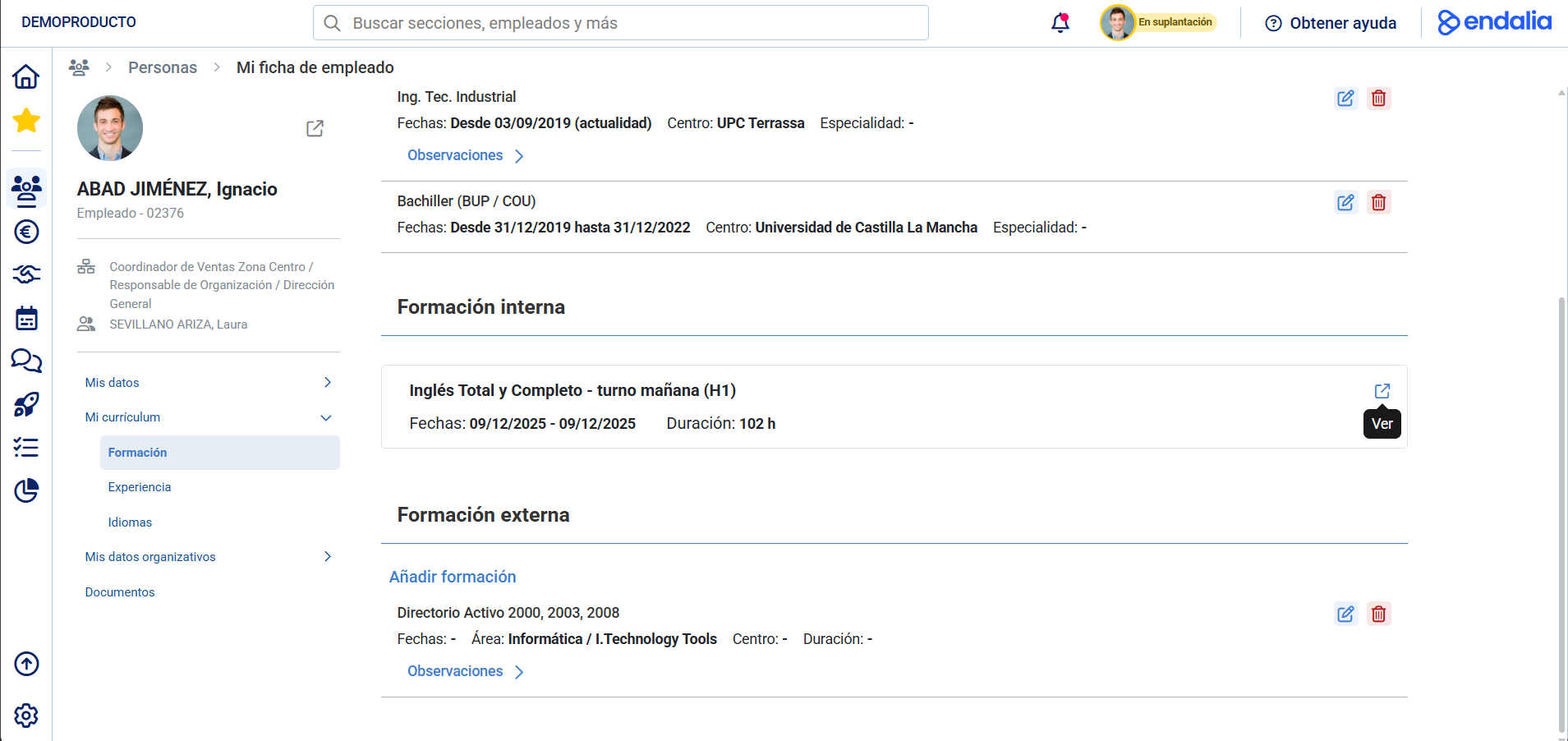
Click on the View button to access the training action record, where you can view its information, as well as download materials and the certificate.
Still have questions? Check the following related articles:
Additionally, you can view our glossary, available at this link.
Was this article helpful?
That’s Great!
Thank you for your feedback
Sorry! We couldn't be helpful
Thank you for your feedback
Feedback sent
We appreciate your effort and will try to fix the article