Important: this article is intended for Endalia HR users with the Responsable profile.
It will allow you to access a centralized list of pending questionnaires (i.e., those "not started" or "started") and historical ones ("completed").
In the Performance and Talent hub, navigate to the Training module > My Team > Team Training >Questionnaires
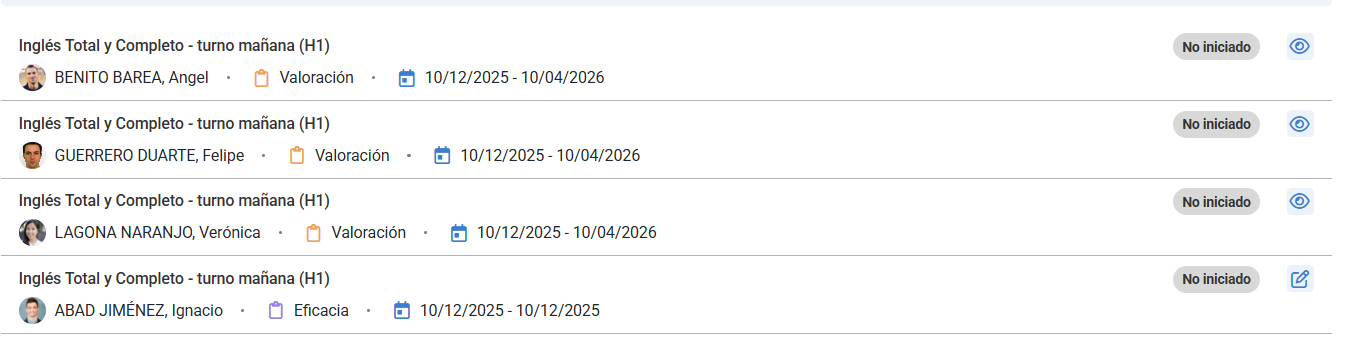
You have a list of them, and within each one, the following information:
- Name of the training action
- Employee linked to the questionnaire (in this case, your own effectiveness questionnaires as a team leader; and evaluation ones by the team members).
- Questionnaire type
- Start and end dates for its response
- The status of the same
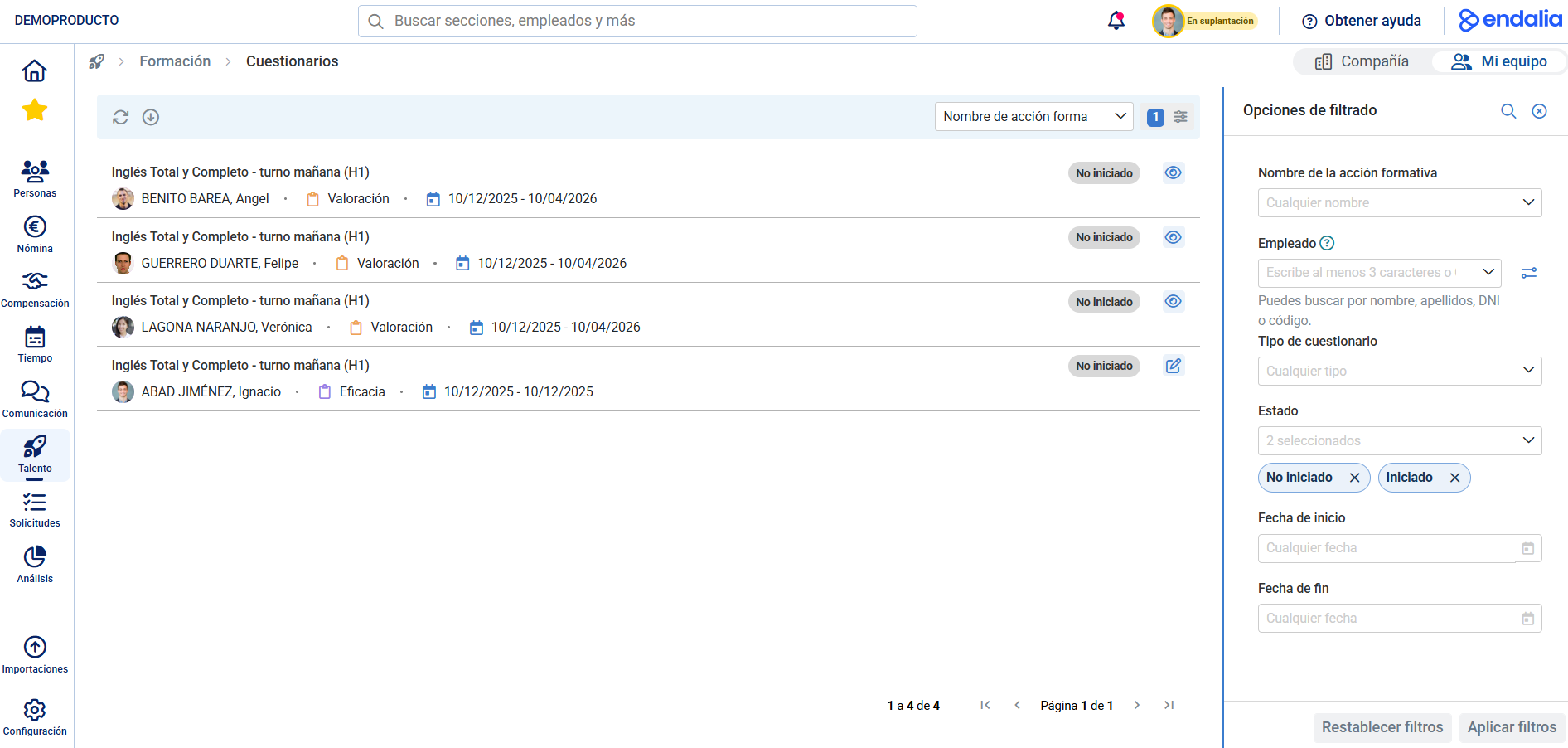
Finally, the Edit button, within each effectiveness questionnaire, will guide you to the next screen. Now you can complete the questionnaire on the stipulated dates. At the end of the questionnaire, there are two buttons: one named Save, allowing you to store your responses if the entire questionnaire isn't completed at once; the second, Finish, will only be active after all questions are answered, to change your questionnaire status to completed or finalized. 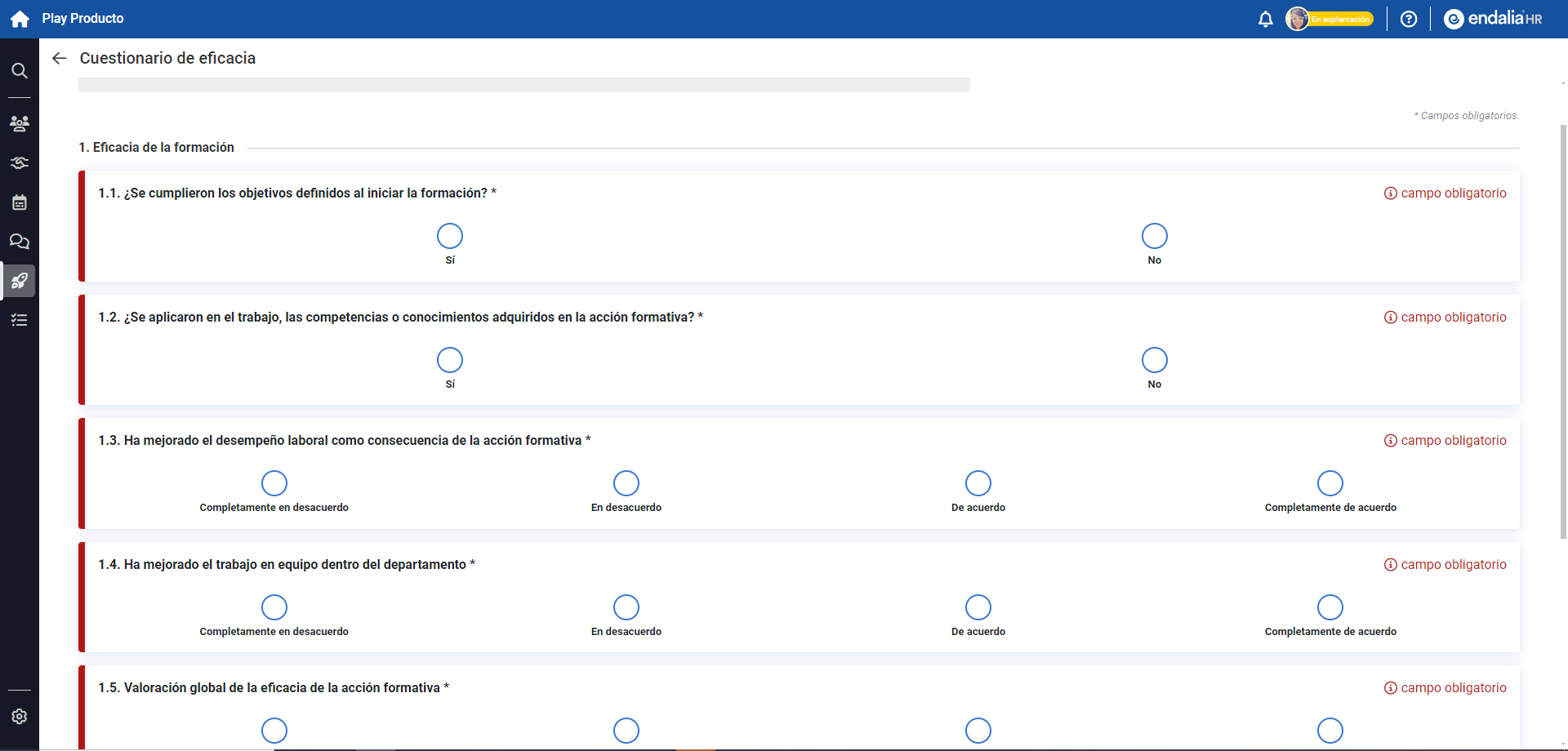
Note: If you don't complete the questionnaire within the start/end date range provided for this purpose, it will automatically switch to a "Completed" status and be viewable only in "read-only" mode in Cuestionarios.
The evaluation questionnaires of your collaborators are available only as read-only.
Here is another related article you can consult:
Was this article helpful?
That’s Great!
Thank you for your feedback
Sorry! We couldn't be helpful
Thank you for your feedback
Feedback sent
We appreciate your effort and will try to fix the article