Important: This article is intended for Endalia HR users with a Collaborator profile.
And if you could quickly and at a glance check all the planning and absence information you're interested in?
Now you can, thanks to this simple functionality we offer.In this article, you will find:
My Schedule
My Schedule
- Within the time management hub, head to the Attendance Register module >My Schedule
- On this screen, you have a general view with monthly and annual granularity. You can individually consult any information regarding planning or absences or even filter the information.
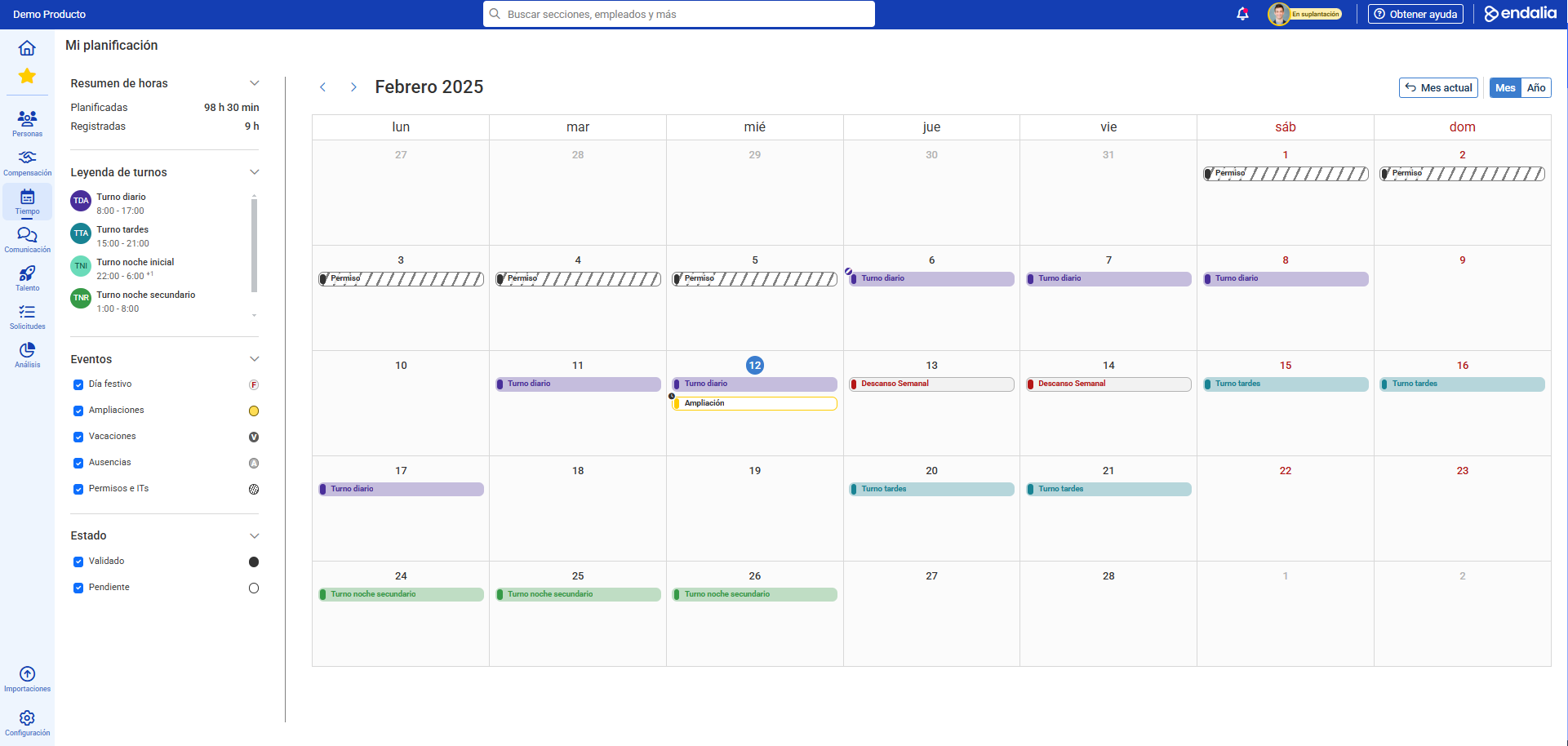
Annual hours: includes total hours planned and registered with monthly and annual granularity.
Planning: includes both shifts and schedules already planned and published as well as requested working hour extensions. You can consult the legend for assigned shifts and view detailed information of their segments through a pop-up: 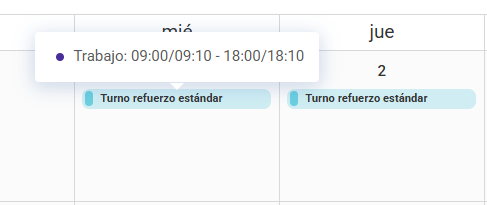
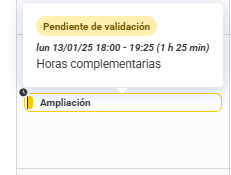
Events or Absences: this section allows you to view and filter holidays, extended working hours, vacations, absences, or leaves and contribute to filtering based on validation status. In the same manner, it allows filtering of visualization or navigating by clicking on the request located under My Vacations and Absences: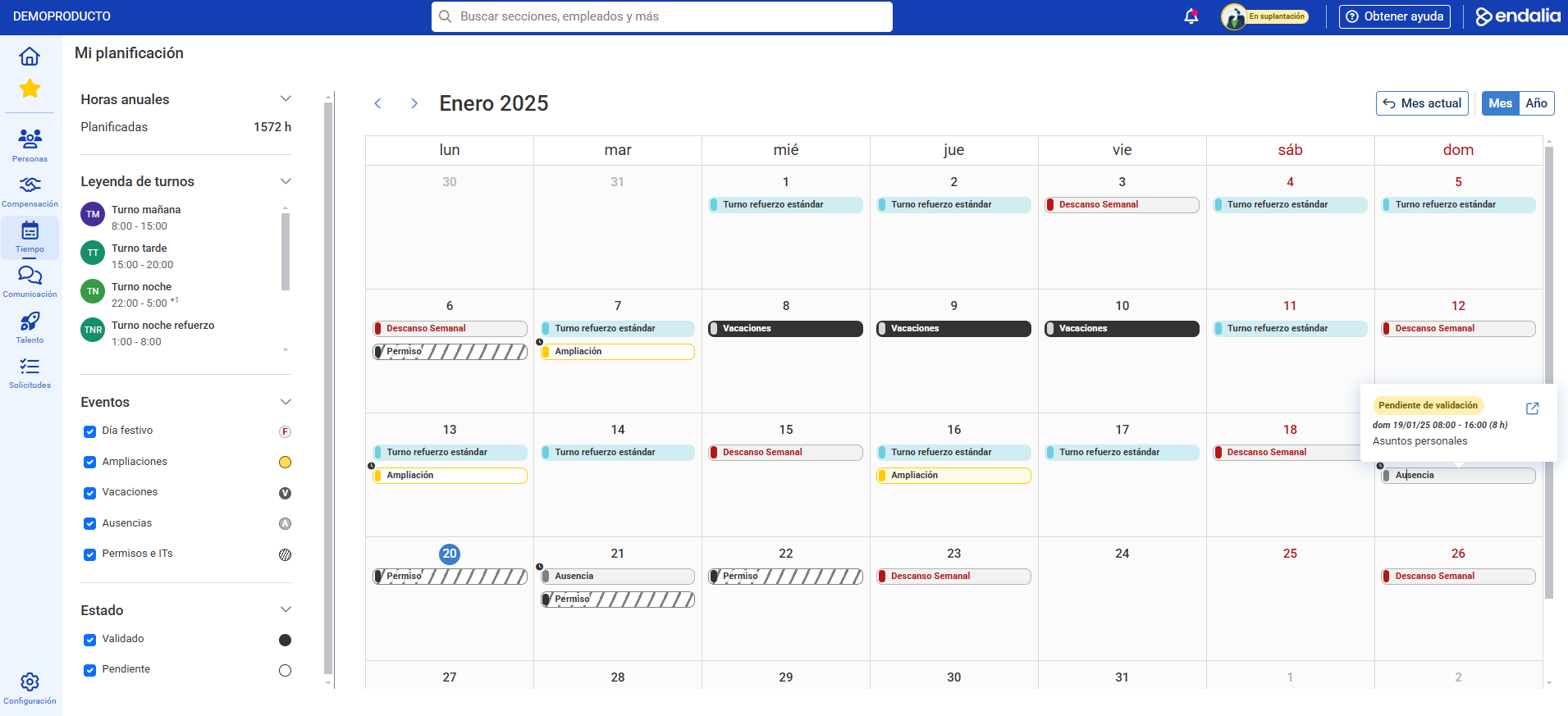
Including absences pending validation is also an option that is part of filtering, and it can be unchecked if the aim is to solely view validated absences.
3. Similarly, you can review your planning on an annual basis, complemented by absences that can either be validated or pending and can be filtered to segment the information: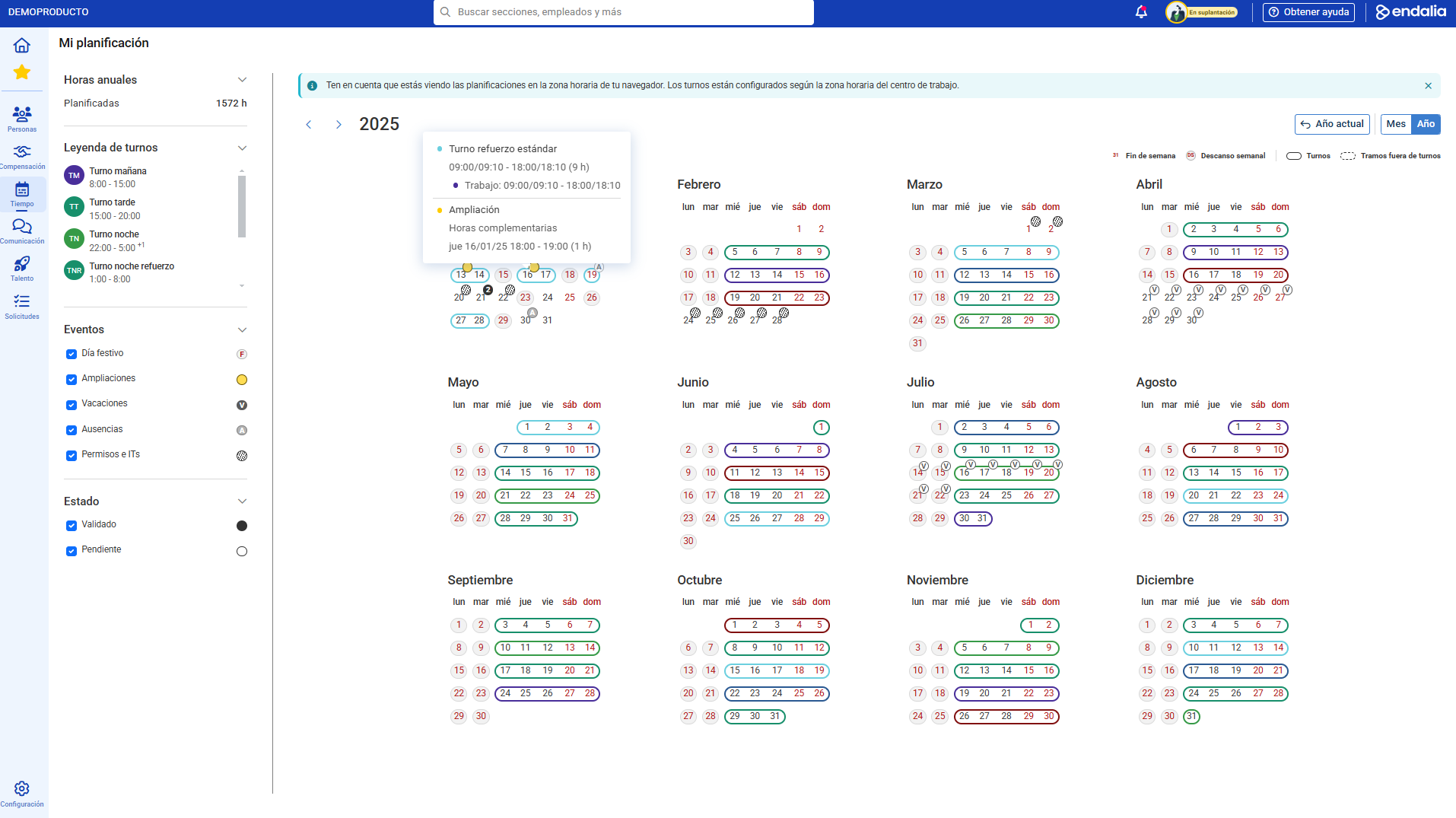
Note: Clicking on each of the events from vacations and absences (vacations, absences, or permits and leaves of absence) allows you to navigate to the details of the same request on the My Vacations and Absences screen.
Additionally, you can view our glossary, available at this link.
Was this article helpful?
That’s Great!
Thank you for your feedback
Sorry! We couldn't be helpful
Thank you for your feedback
Feedback sent
We appreciate your effort and will try to fix the article