Important: this article is intended for Endalia HR users with Administrator / HR..
The Training Budgets module allows you to plan, control, and analyze the organization's training expenditure in an integrated way with training activities.
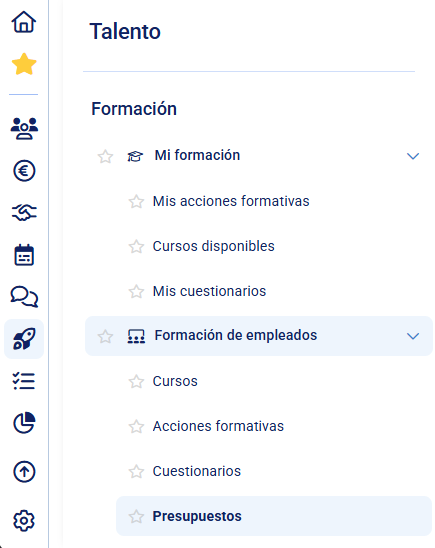
What is training budget management?
Budget management allows you to:
- Define how much budget you have available for training
- Organize this budget into different categories
- Record expenses associated with each training activity
- Monitor in real time how much has been consumed
All within the same tool, without the need to manage the budget outside the system.
How does the model work?
The system is based on three main elements:
Periods
A period defines the time frame in which the budget is managed. For example:
- Annual budget (2026)
- Half-yearly budget
All budgets and expenses are recorded within a period.
Budgets
Within each period you can create one or several budgets. Each budget represents an economic allocation.For example:
- General budget
- Department budget
- Budget for a type of training
Each budget has an assigned amount.
Expenses
Expenses are recorded within training actions. Each expense:
- Is associated with a training activity
- Is allocated to one or more budgets in the period
- Reduces the available amount
A single expense can be distributed across several budgets.
How is it related to training?
The budget is directly connected to training actions:
- The training action is linked to a period
- Expenses are recorded within this action
- The system automatically updates the budget consumption
This provides a real view of the cost of each training and its impact on the budget.
What metrics can you view?
The system automatically calculates:
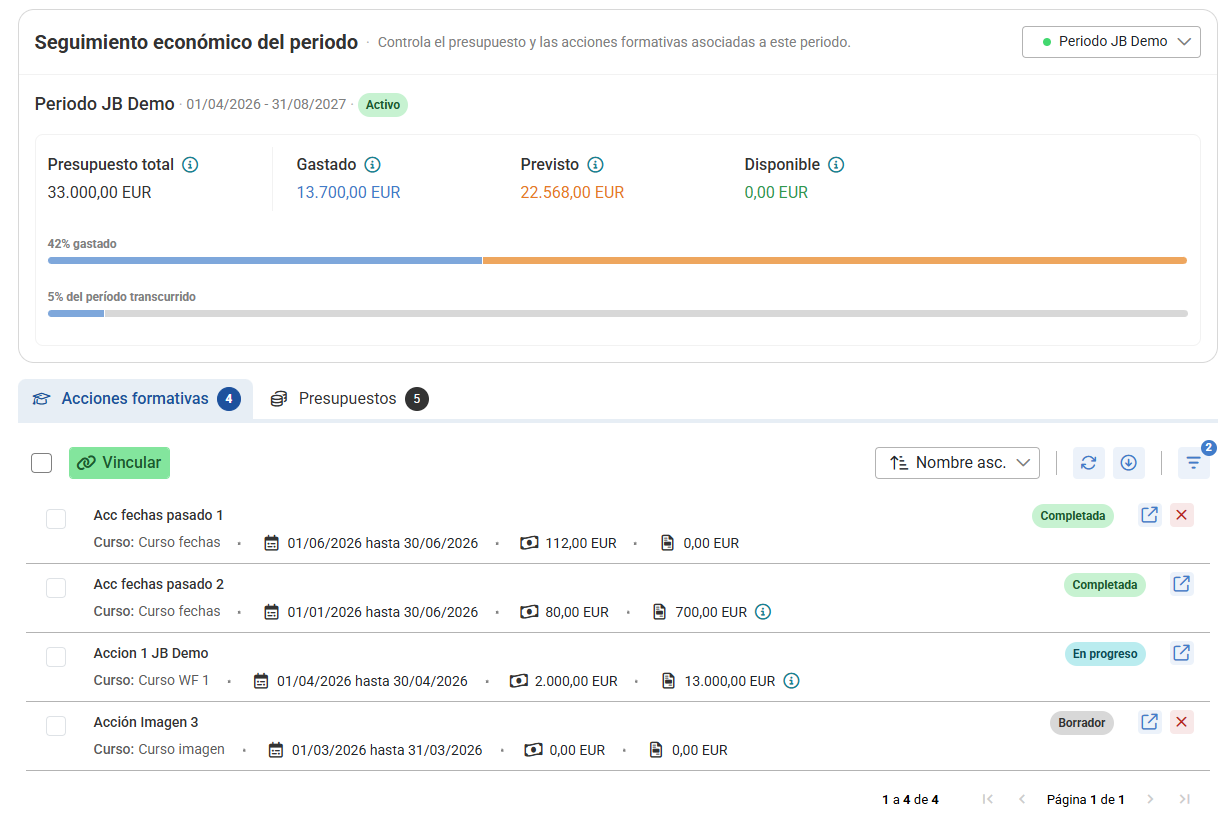
- Consumed Amount already recorded as expense
- Committed Costs pending invoicing or recording
- Available Remaining budget
These metrics are updated in real time.
What is it for?
Budget management allows you to:
- Control training expenses without relying on external tools
- Have real-time visibility of the available budget
- Analyze training costs by action, category, or period
- Avoid budget overruns
Getting started
To use the budgets module:
- Create a period
- Create one or more budgets within the period
- Link training actions to the period
- Record expenses in each training action
Note
The correct functioning of the module depends on:
- proper configuration of periods
- linking training actions
- recording expenses
Was this article helpful?
That’s Great!
Thank you for your feedback
Sorry! We couldn't be helpful
Thank you for your feedback
Feedback sent
We appreciate your effort and will try to fix the article