This article is not available in Portuguese/Portugal, view it in Spanish
Important: this article is aimed at Endalia HR users with an Administrator profile.
Unlike general objectives, individual assessments indicate which individuals need to be examined. Keep reading to learn how to manage this key feature of Performance and Talent.
In this article:
Individual Assessments
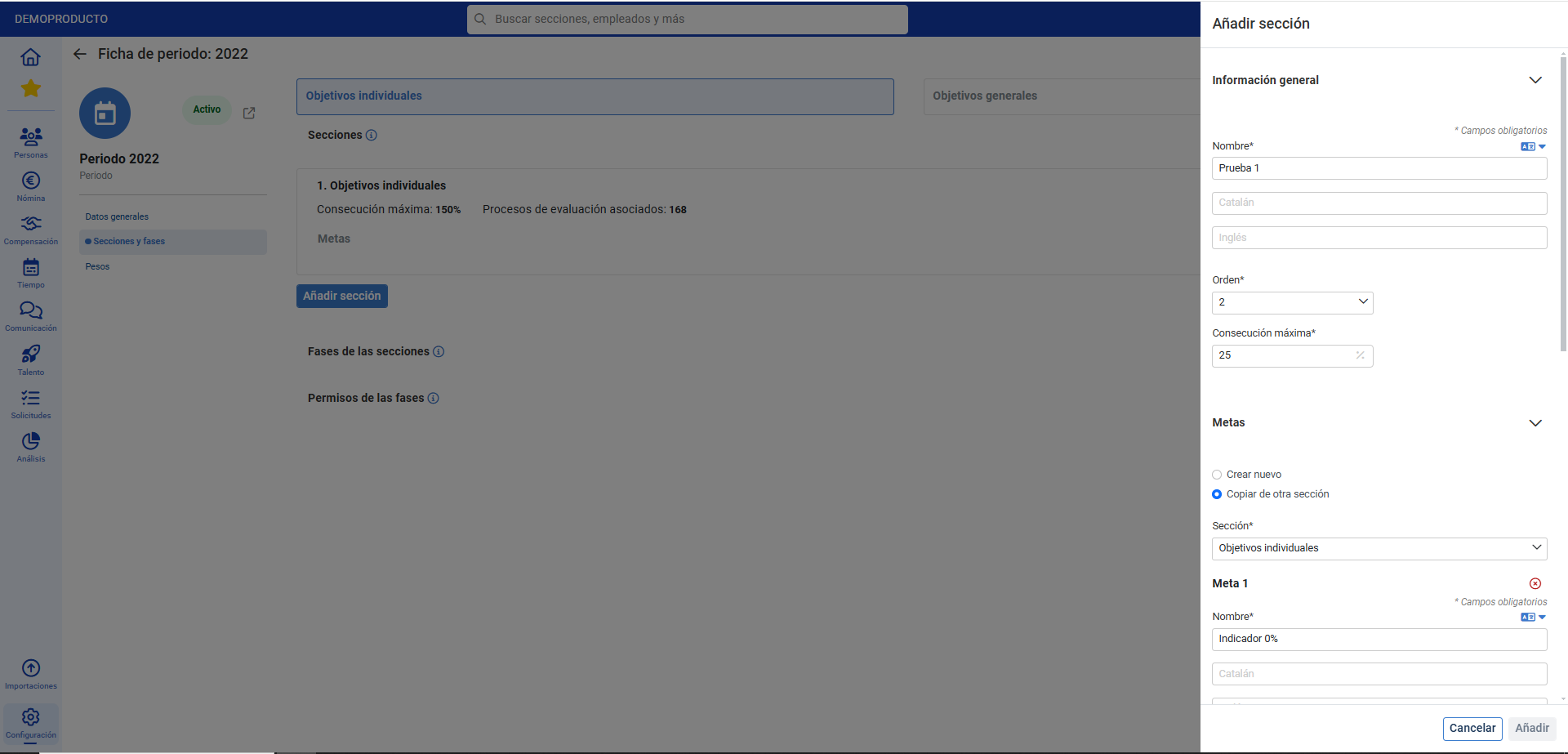
Before starting, keep in mind that you need to configure a period first and then the sections and phases with the individual objectives tab (in the period file) to manage these goals: 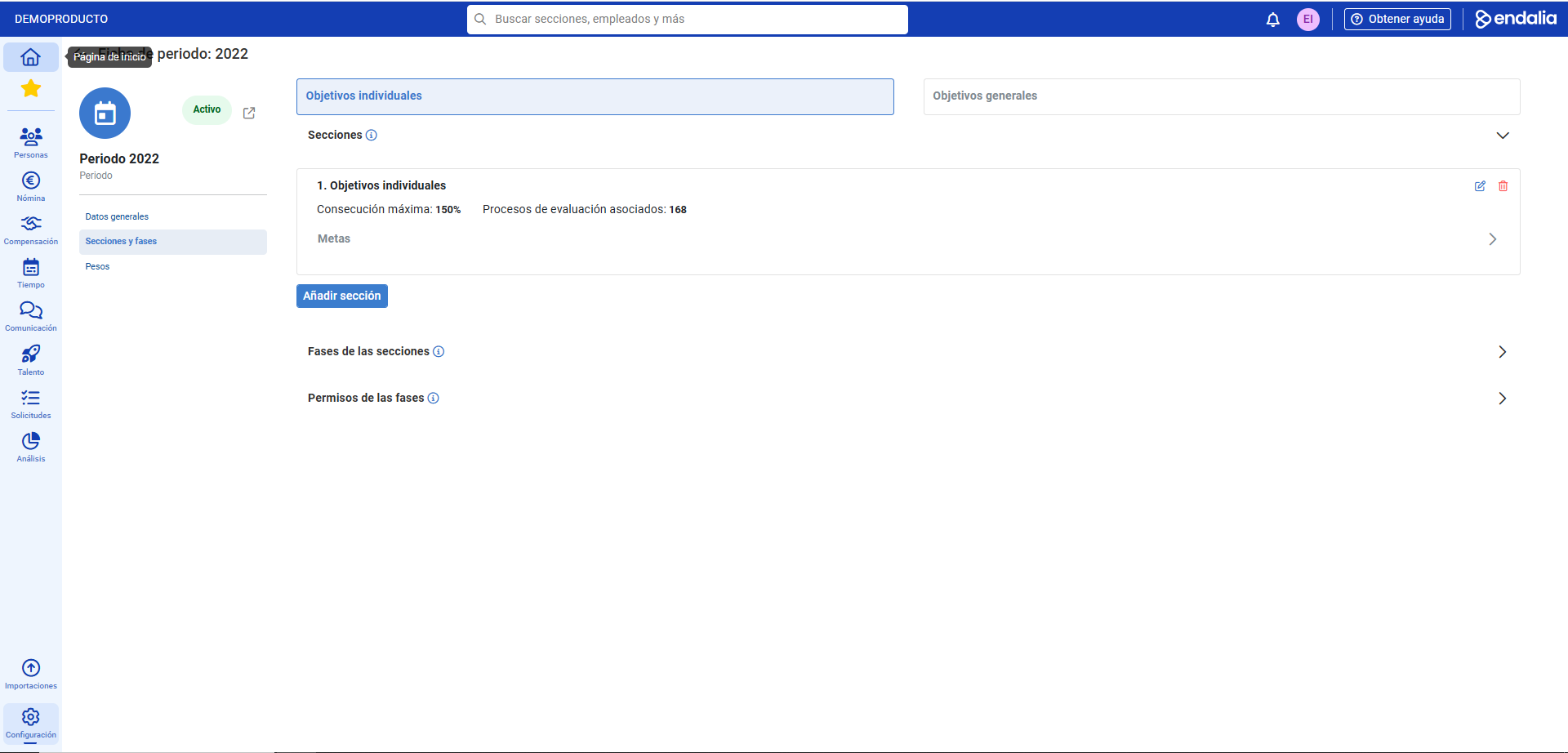
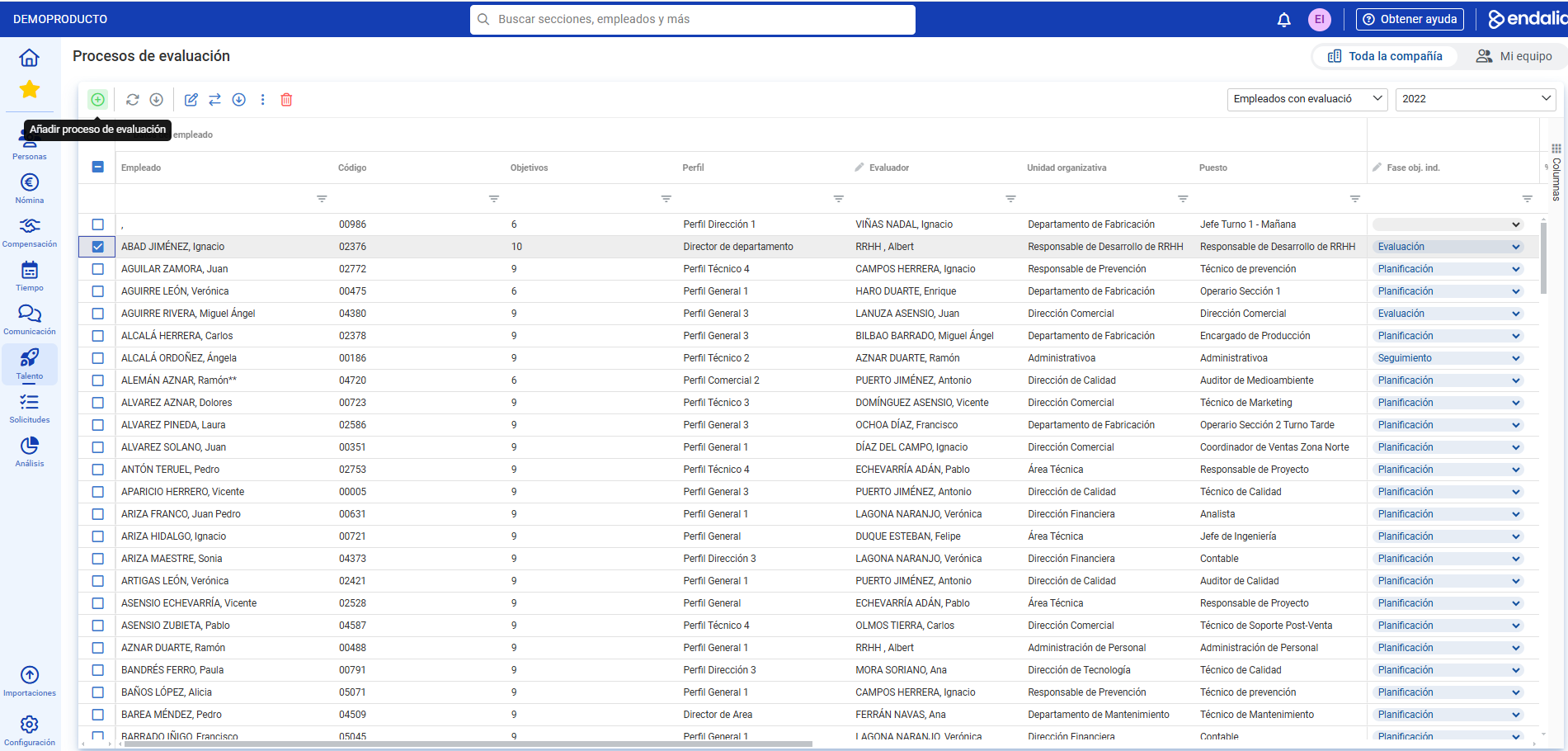
- Within the hub Performance and Talent, click on Corporate Objectives > Objective Evaluations
- In the filter at the top right corner, corresponding to the toolbar, select the period you previously created. Then, click Add Evaluation Process, also in the toolbar:
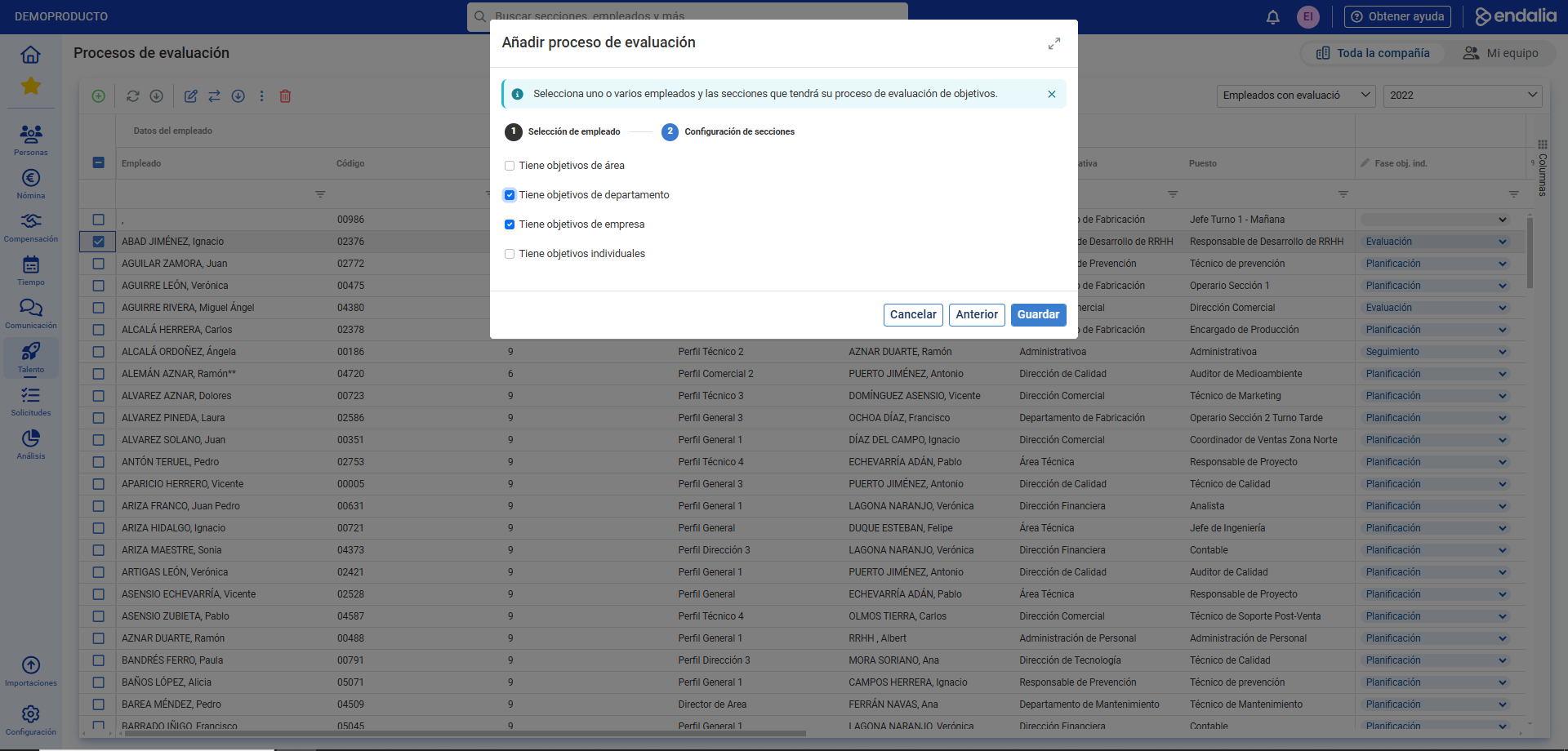
- In the modal window displayed afterward, you must complete two steps. In the first step, select one or several employees from the structure tree for the evaluation process, and in the second, choose the sections that this process will have. Remember to click Save to enforce your preferences:
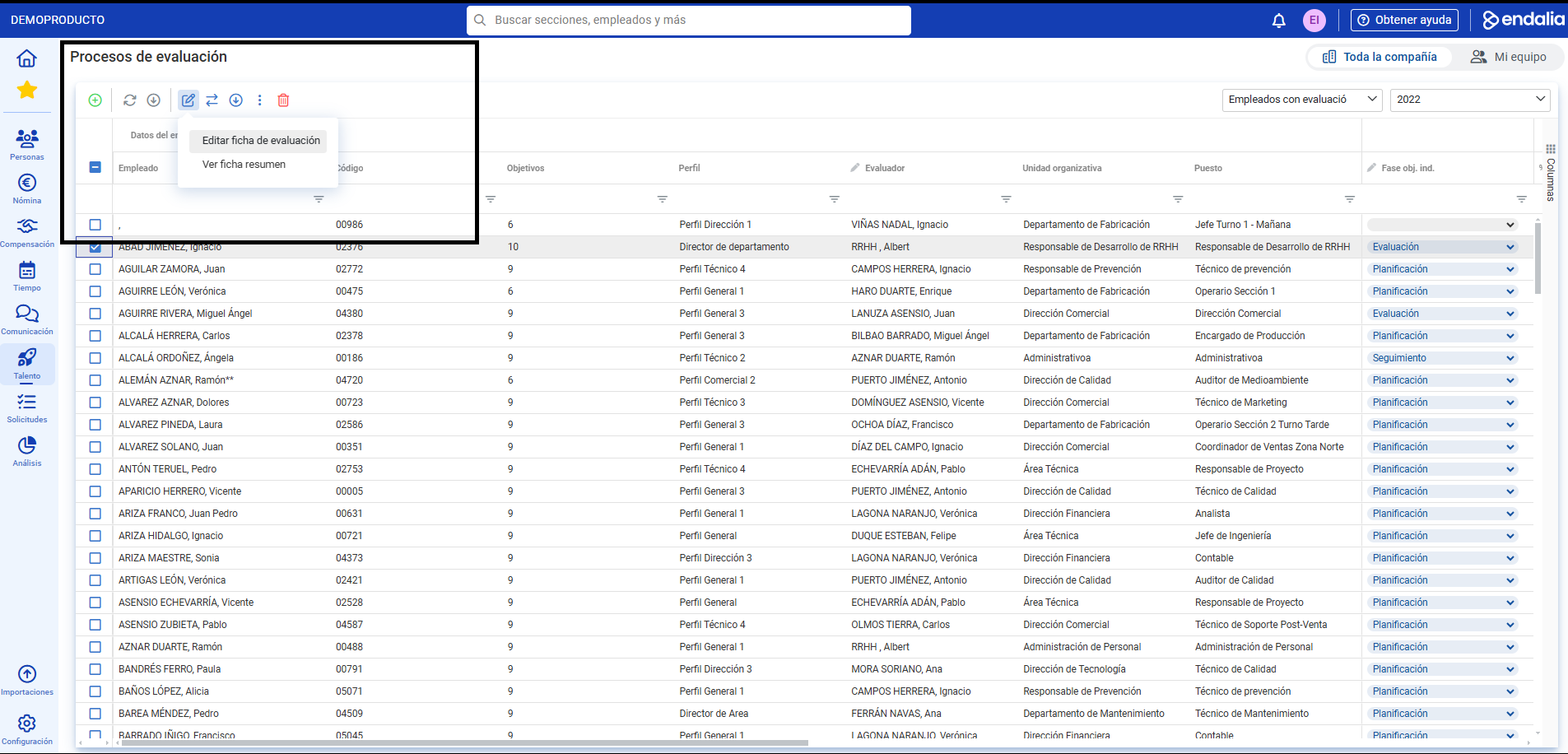
- To access the employee file, double-click on the appropriate row or alternatively check their box and press the Edit button in the toolbar to view the evaluation file:
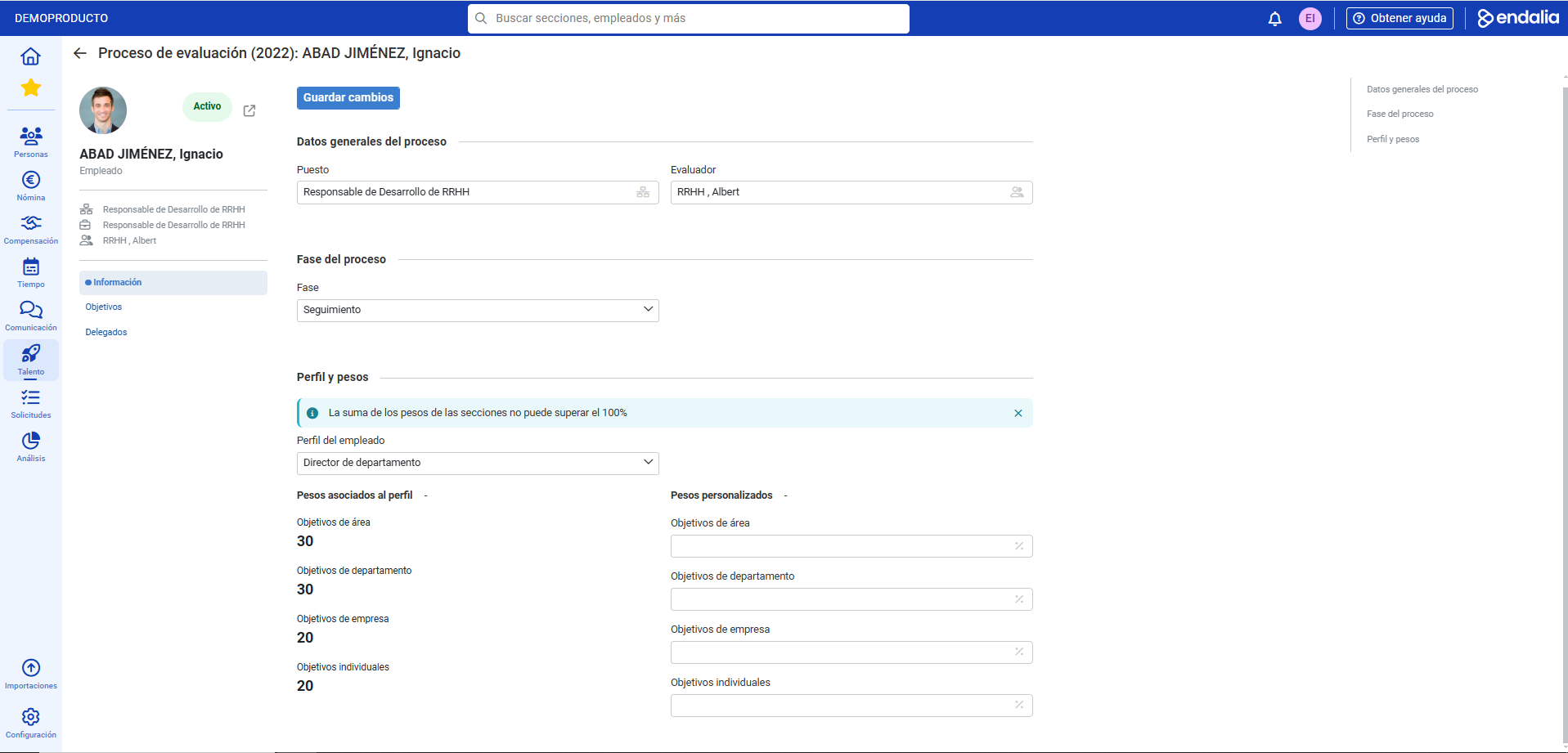
- Within the file, you have several menus available. The first one is Information, which allows you to modify/add/associate data to the previously selected position. Don't forget to click Save Changes to set your preferences:
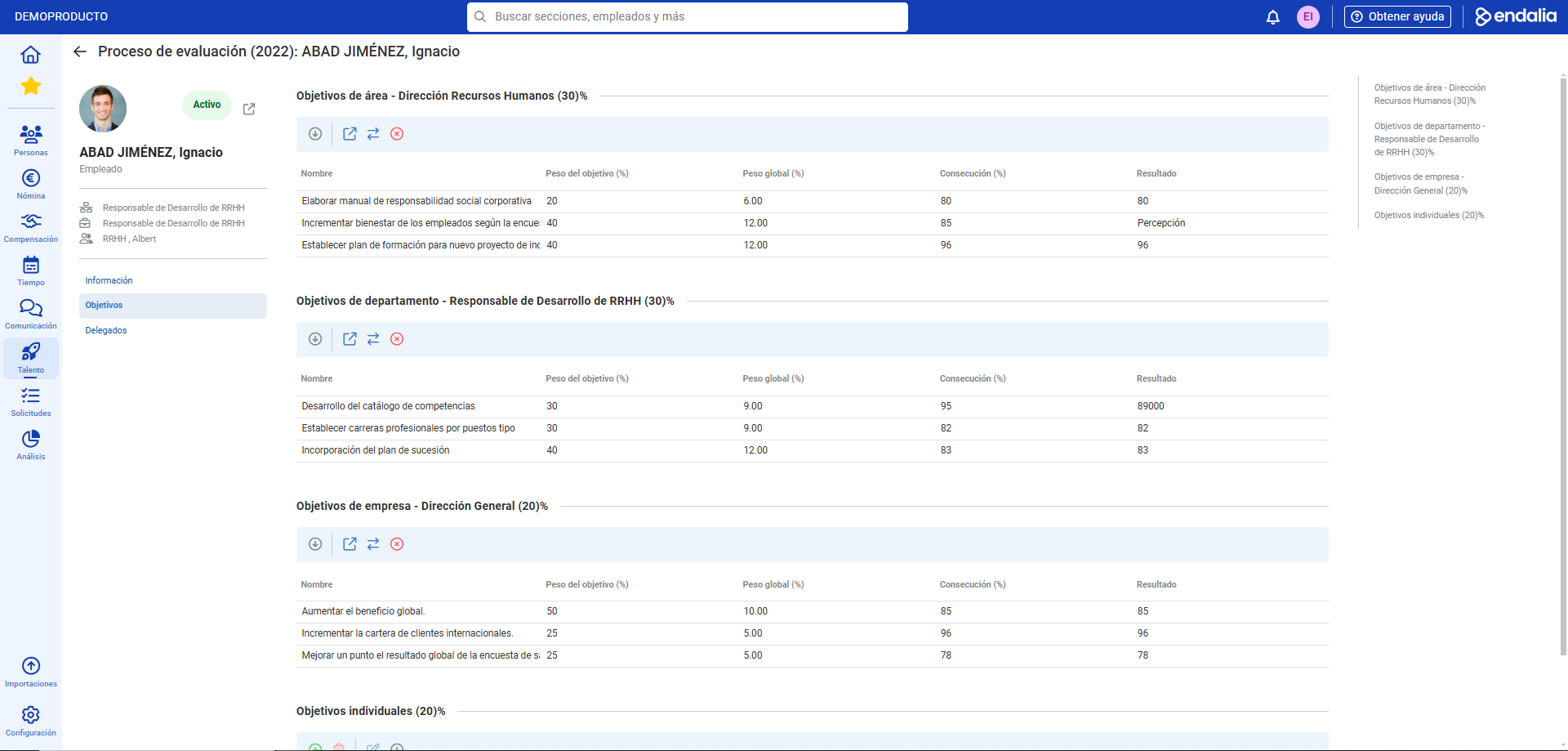
- In the second menu, Objectives, the individually chosen sections for evaluation are shown. Within each of them, you can use the Add button on its own toolbar to set company objectives within each corresponding section:
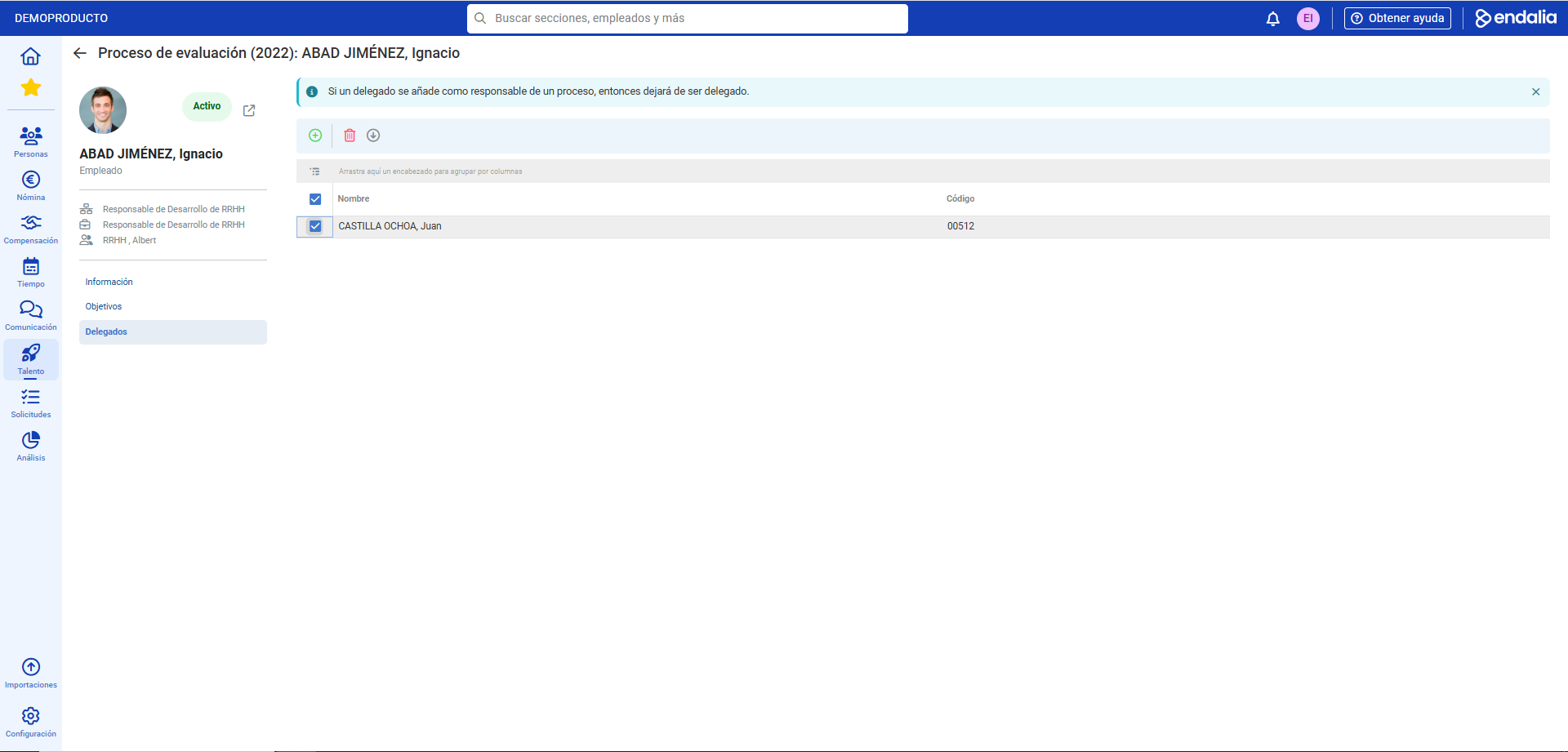
- The rest of the menu options allow you, in this order, to add people to the objectives (Involved), delegate in the absence of the project manager (Delegates):
Process Video
Let us show you quickly:
To learn more, check the following related articles:
If you have doubts about the terms, check out our glossary in this link.
Was this article helpful?
That’s Great!
Thank you for your feedback
Sorry! We couldn't be helpful
Thank you for your feedback
Feedback sent
We appreciate your effort and will try to fix the article