Before you start exploring our software, you need to know some basic aspects of the tool, as they will be shown repeatedly in the guide. We recommend that you read them carefully to navigate the software as smoothly as a fish in water.
Here you will find:
Profiles
Within software management, there are three main groups of users:
- Contributor: These are employees, that is, people working in the organization who do not lead teams or hold HR roles. or administrative positions. Therefore, they will only have access to certain functionalities (for example, they will not be able to view their team's salaries, as they do not manage them, nor the company's, as they do not have an administrator role). Within this Help Center, articles in the (Me) folders refer to this profile.
- Manager: All employees who are in charge of a team, department, or specific organizational unit. They manage their work area through My team. Therefore, they will have access to the functionalities contained in the Me folder in this Help Center and those in My team, as they are contributors but also team managers.
- Administrator: In this role, users can view and modify everything related to the software, including the two previous groups. That is, they will have visibility freedom as a company worker (Me), as a Team Manager (My team, they have people they manage), as a Company (as they are administrators), and also perform Configuration tasks. If you have this profile within your company, the system offers you two views, accessible via a convenient tab located at the top right of the screen:
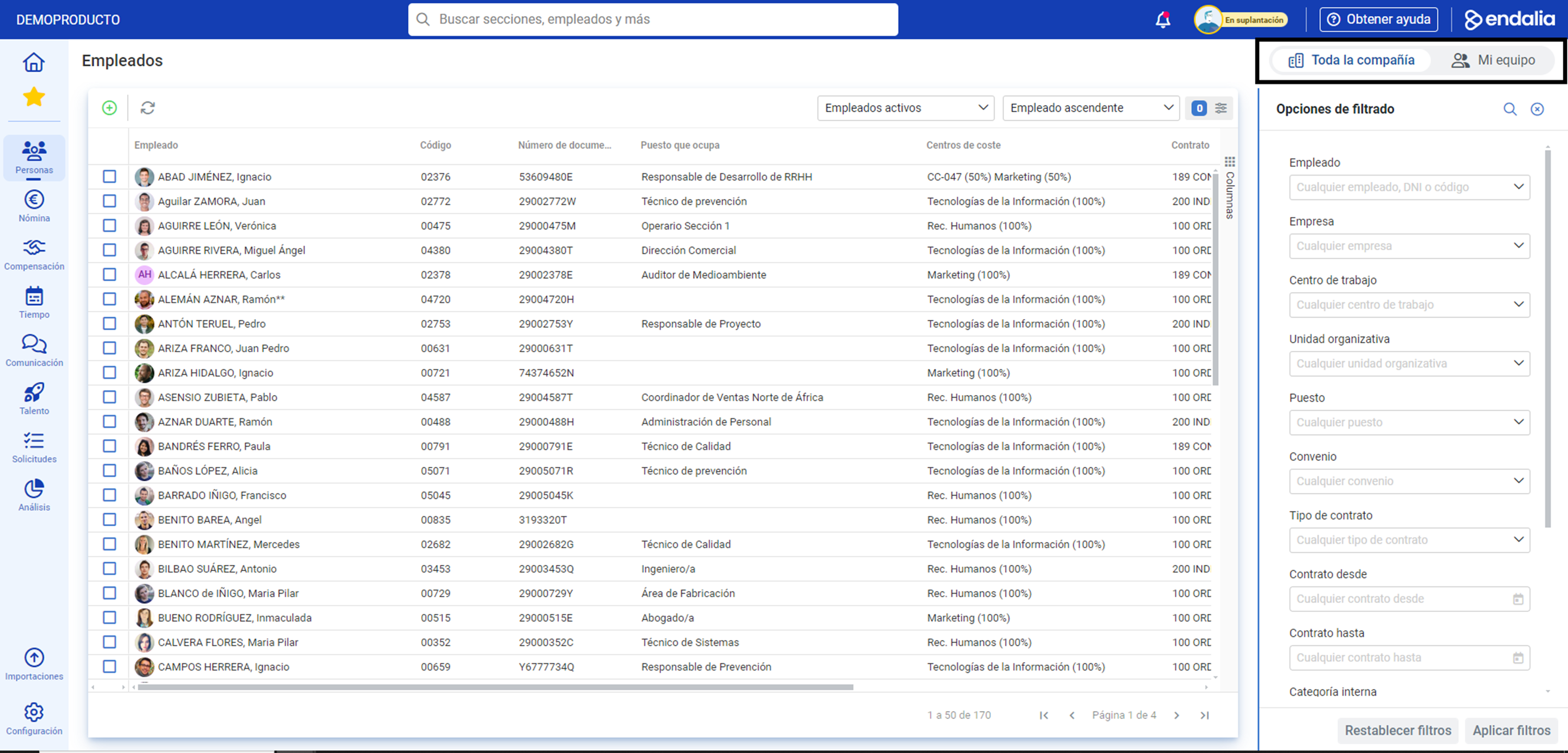
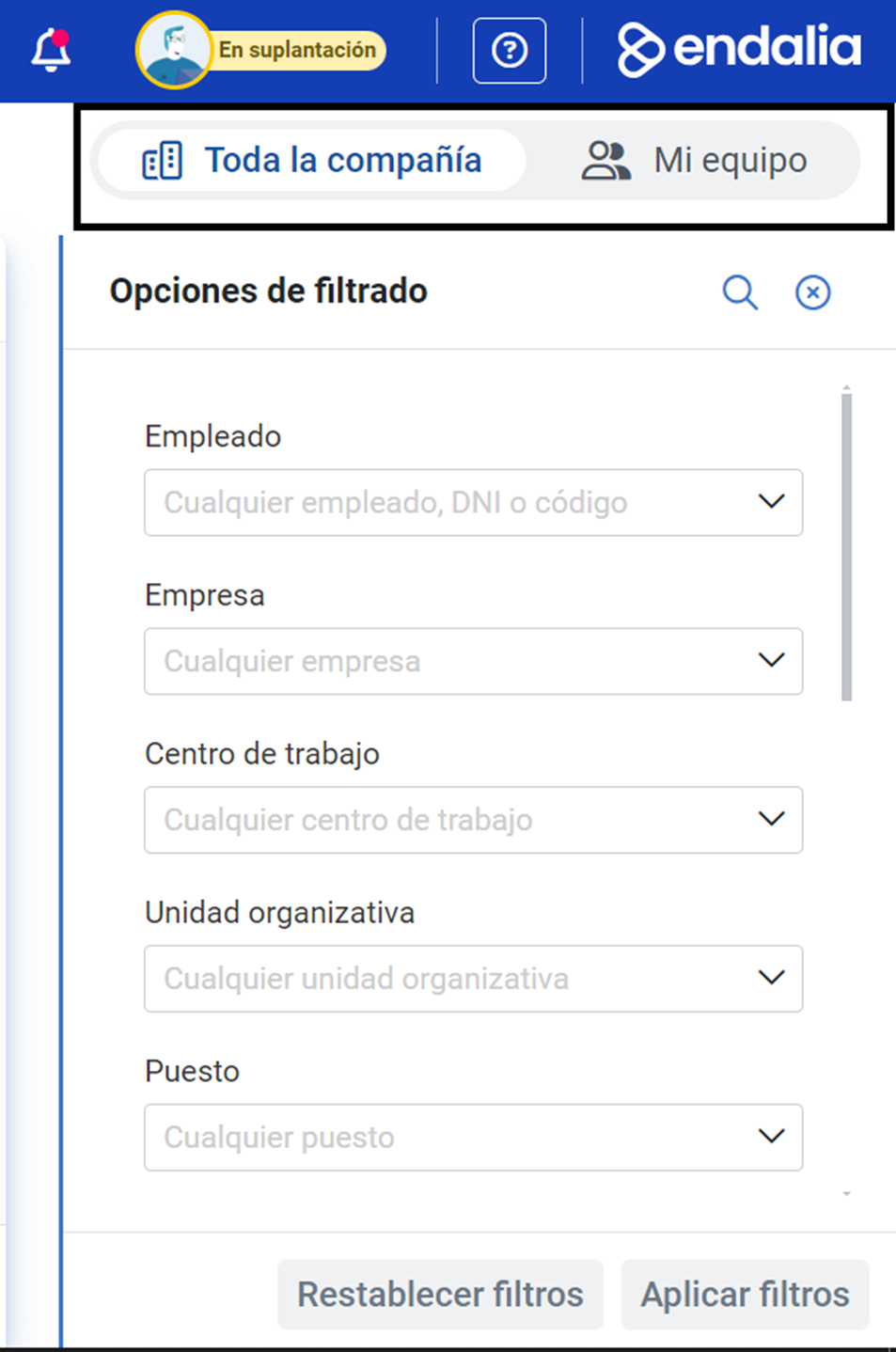
In summary, and considering what has been mentioned above, keep in mind that you can consult all the Help Center articles, but in practice, you may have limited functionalities in the software, depending on the role you play in your company.
Internal composition
Similarly, the Help Center uses certain nomenclature to refer to the software itself and distinguish, as simply as possible, its parts and functionalities. Here is the vocabulary, summarized: 


Common elements
Moreover, there are certain items you might encounter repeatedly throughout your software journey. For example:
Toolbar

Alerts, activity log, and profile

Columns and filters

Add to favorites
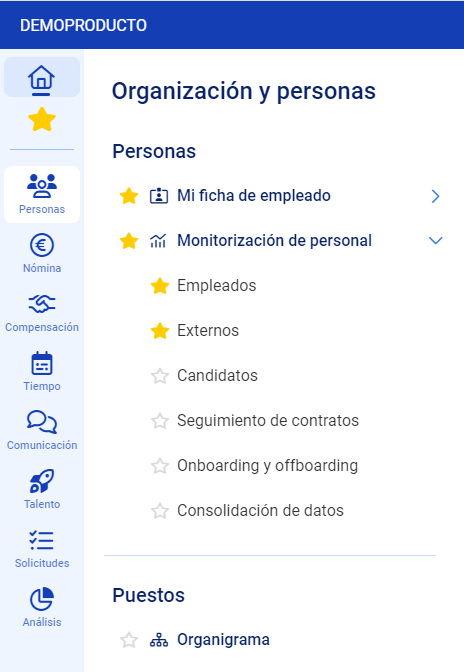
We also offer a glossary of terms, corresponding to the software functionalities. You can take a look at this link.
Was this article helpful?
That’s Great!
Thank you for your feedback
Sorry! We couldn't be helpful
Thank you for your feedback
Feedback sent
We appreciate your effort and will try to fix the article