Important: this article is intended for Endalia HR users with an Administrator profile.
Another interesting menu option that allows control over payrolls and their publications, which you can now manage thanks to these tips we offer you.
In this article:
Manage and Publish Payrolls
Within the hub Compensation and Benefits, go to Compensation > Salaries > Payroll Receipts
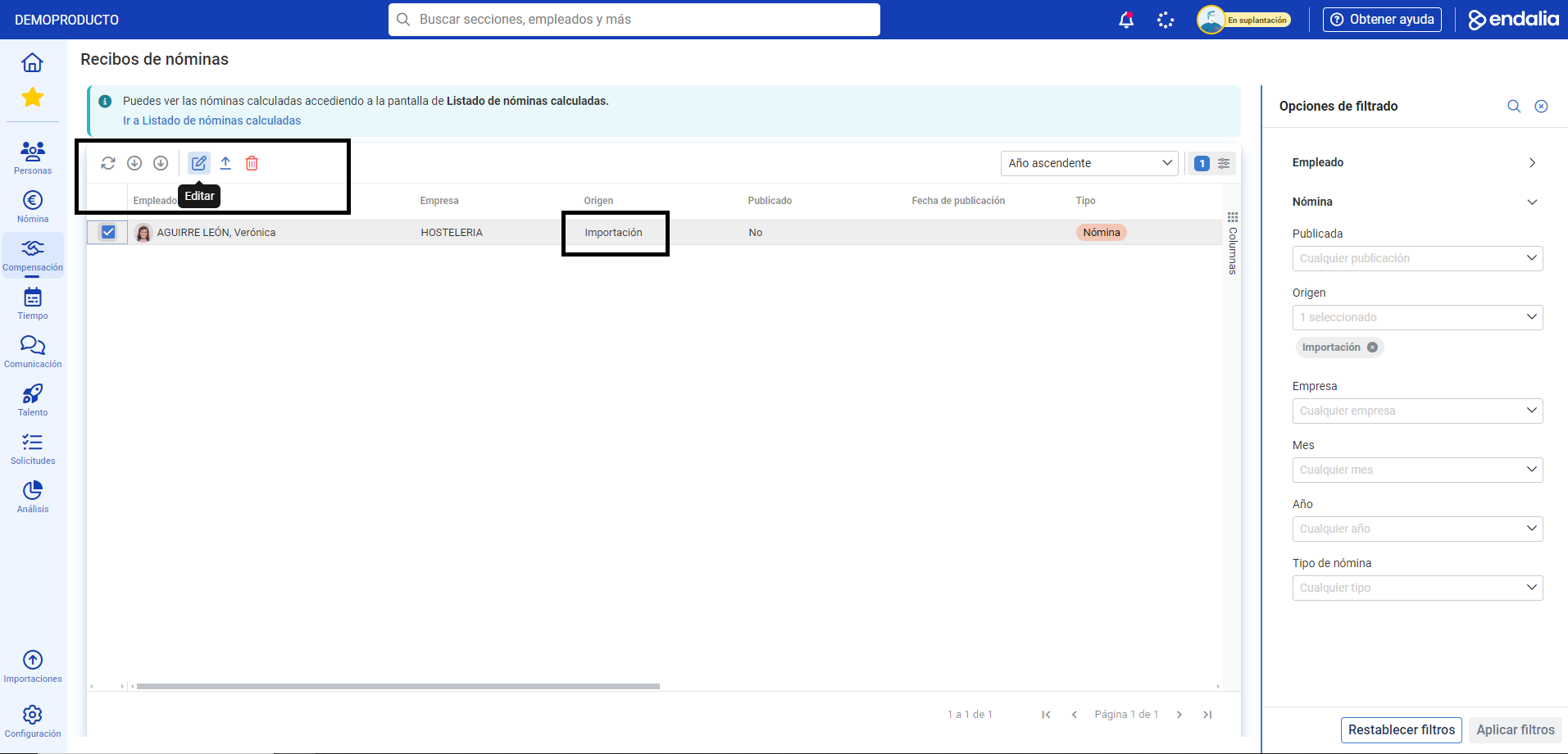
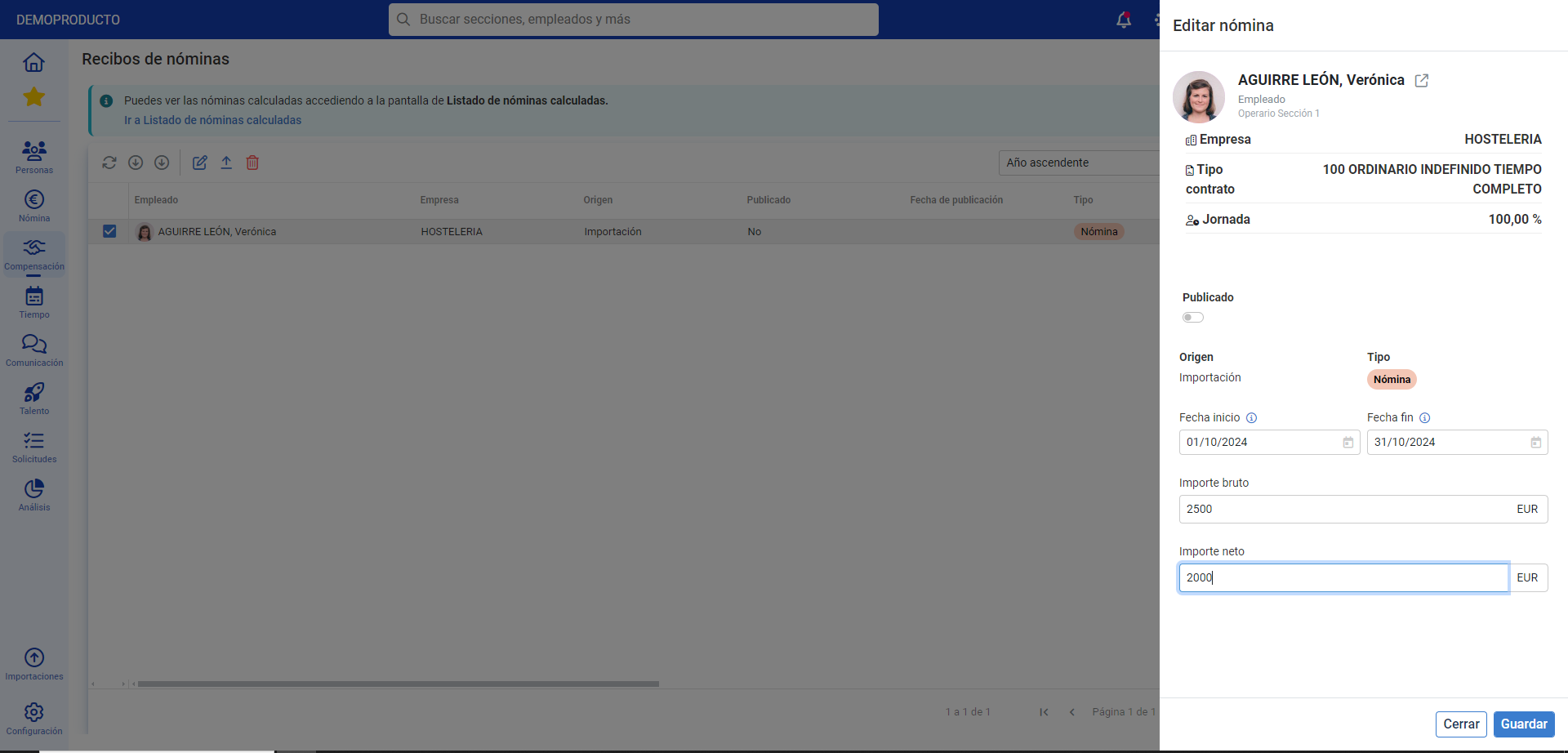
Next, you can see the list of payroll receipts and all the associated information. Select the box next to the names in the list, or click on the corresponding row and use the buttons in the toolbar, such as Update, Download Payroll Receipt, Edit, Publish Payroll (if it is not already), and Delete to perform the corresponding actions. Important: When a new payroll receipt is published, it will be made available to the employee in My Payroll Receipts.
Important: When a new payroll receipt is published, it will be available to the employee in My Payroll Receipts. Additionally, they will receive a notification. Keep in mind that only receipts with "Import" as the origin can be managed, edited, and published. Those that say "calculation" will be "read-only," although you will also be able to download the associated file.
Process Video
Still have questions? Take a look at this simple informative pill:
In addition, the following related articles are available to you:
Still have questions? Take a look at our glossary at this link.
Was this article helpful?
That’s Great!
Thank you for your feedback
Sorry! We couldn't be helpful
Thank you for your feedback
Feedback sent
We appreciate your effort and will try to fix the article