Endalia introduces the new Clock-in Kiosk, an innovative solution designed to simplify and expedite your employees' workday registration! With this new interface, it is now possible to easily clock in from a tablet using a unique 6-digit code assigned to each employee.
Note: To enjoy this functionality, the time registration mode must be of type "Real-time Registration".
 In this article, we will guide you step-by-step on how the Kiosk works and how to start using it.
In this article
How can I link my devices to Endalia?
At a minimum, there must be a time registration policy that uses Kiosk as the registration interface to start using it.
With this, a new option will be activated in the Configuration panel -> Scheduling and time registration -> Kiosk Configuration:
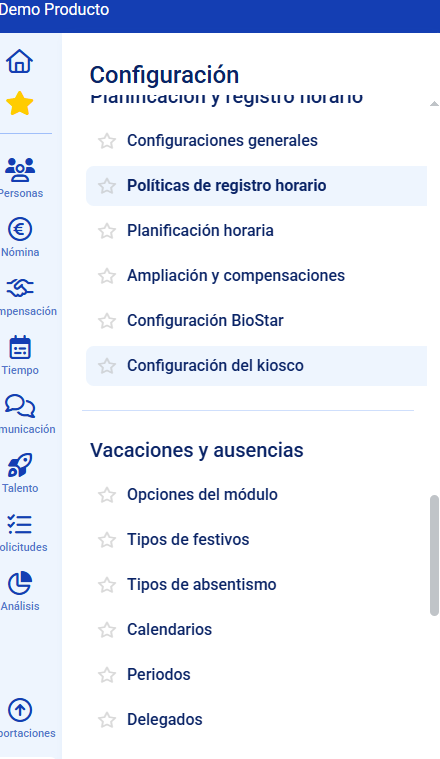
In the previous section, the different configuration options will be available:
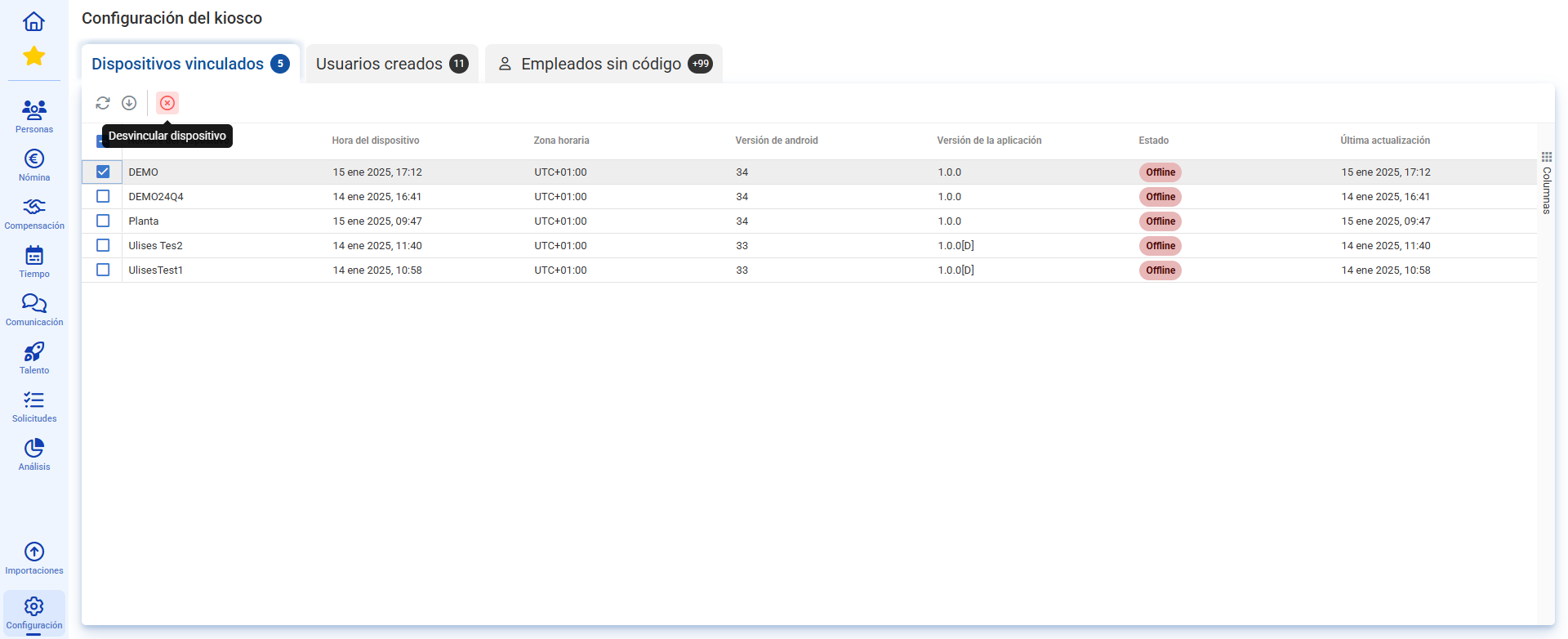
1. Linked Devices
In this window, we will have all the devices linked to the Endalia environment. Additionally, data associated with each device will appear. From here, we can also unlink the devices if desired:
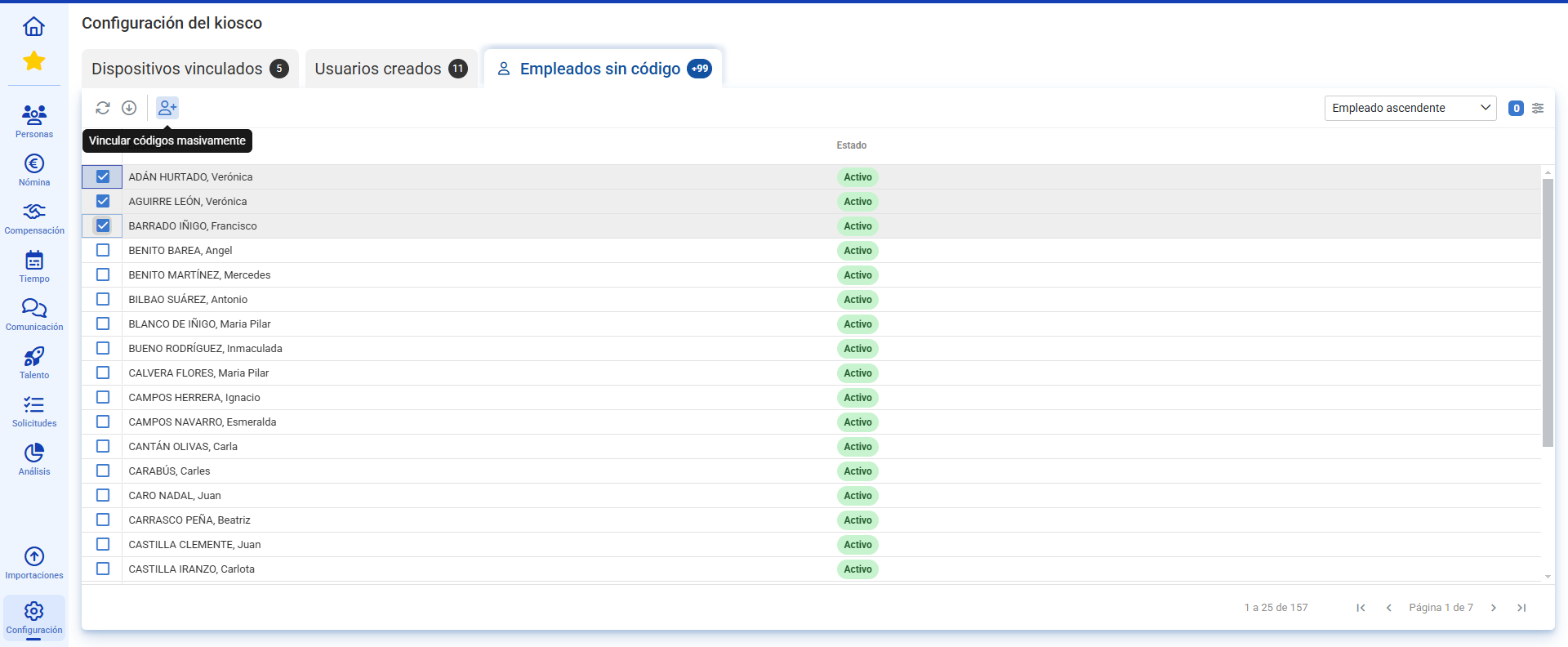
2. Employees without code
All the employees in the environment who have not yet been assigned a code will be listed. We can perform the action both singularly and for several employees simultaneously. This code will be notified to each employee via email:
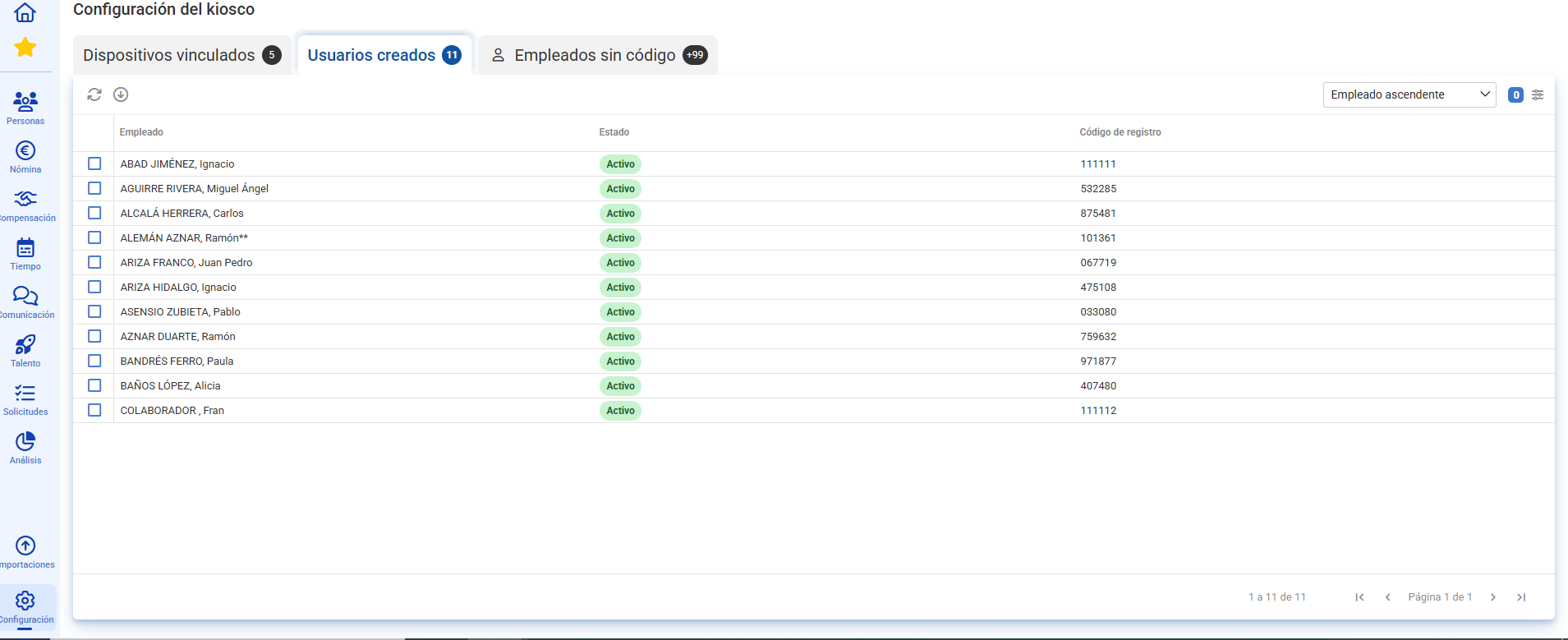
3. Created Users
All users who already have their 6-digit code associated will be listed. From this window, we can modify the employee's code as needed or unlink the employee from here and move them to Employees without code:
What steps should I take simultaneously from my tablet?
Very easy! First, download our app from https://play.google.com/store/apps/details?id=com.endalia.mobile.kiosko&hl=es_419
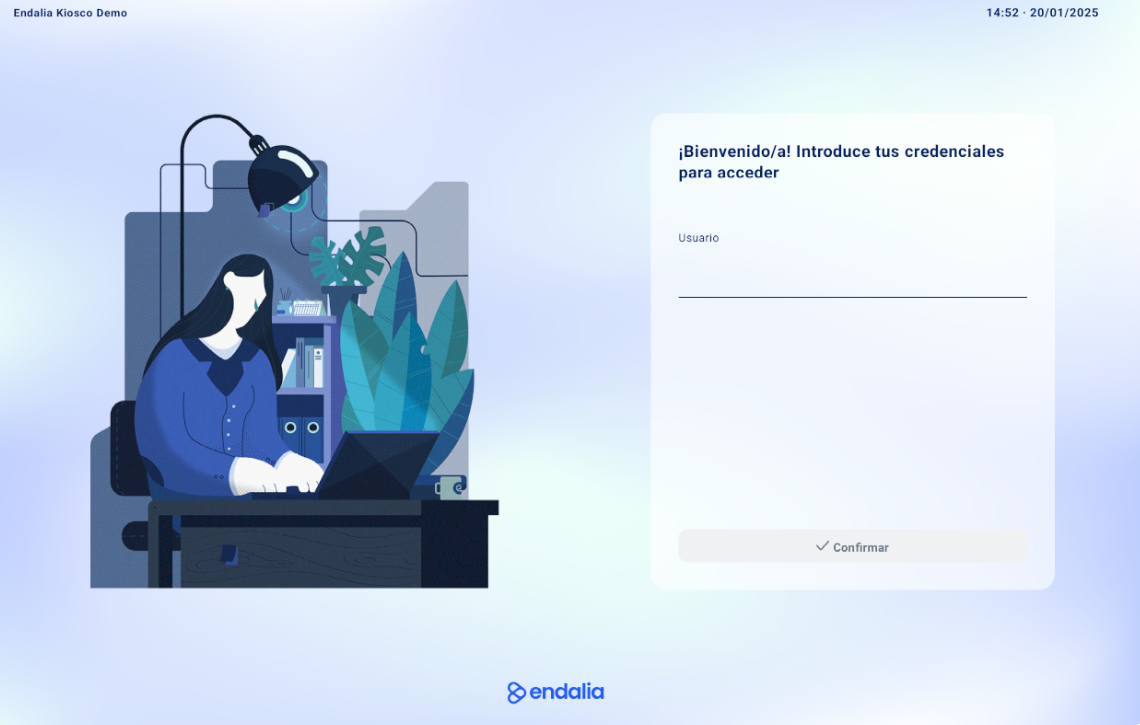
Then, when opening the app, you must link an existing user in the environment who has permissions to the Kiosk Configuration:

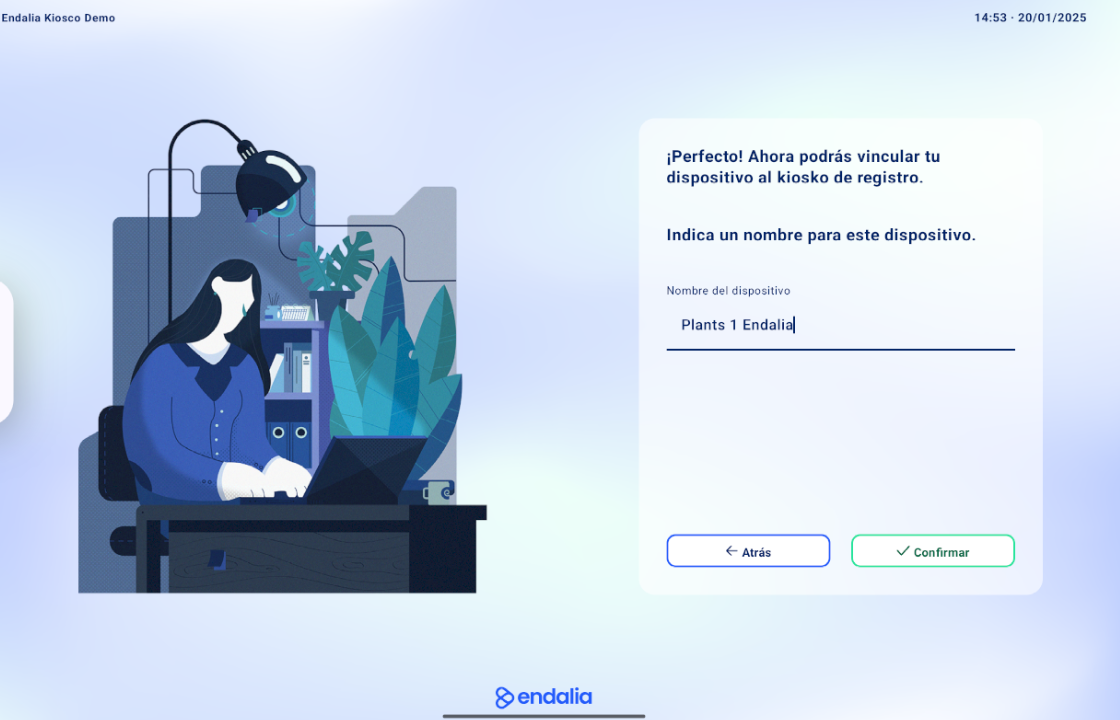
Then the name you want to give the device:
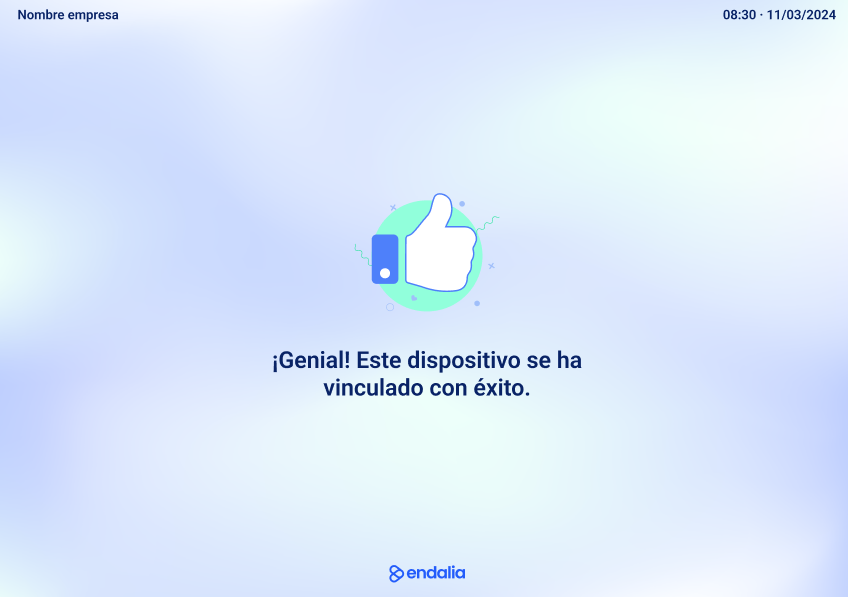
The process is complete and your employees can start clocking in! 
Was this article helpful?
That’s Great!
Thank you for your feedback
Sorry! We couldn't be helpful
Thank you for your feedback
Feedback sent
We appreciate your effort and will try to fix the article