Important: this article is intended for users of Endalia HR with an Administrator profile.
Interesting functionality of the module to configure this important aspect of employee leave days, in case the total calculated for that period results in decimals.
In this article:
Maximum Vacation Days Rounding
Within the hub Settings, click the Vacations and Absences > Module Options > General Module Options
- Next, select the Maximum Days Rounding option, and click the edit button.
- In the modal window presented to you, there are three available options:
- Round up: this is the default option; for instance, if the calculation results in 7 days and 2 hours, it will be rounded to 8 days.
- Round to the nearest unit: if you have 7 days and 2 hours, the system will round to 7; with 7 days and 4 hours (half day), it will still be 7. However, from 7 days and 5 hours, it will round up to 8. Conversely, starting from 7 days and 5 hours, it will round up to 8.
- Truncate: consists of rounding down, in any scenario (7 days and 2 hours, round to 7; 7 days and 5 hours, round to 7).
Finally, remember to click Save once you've set your preference, and also click Save Changes within the general menu: 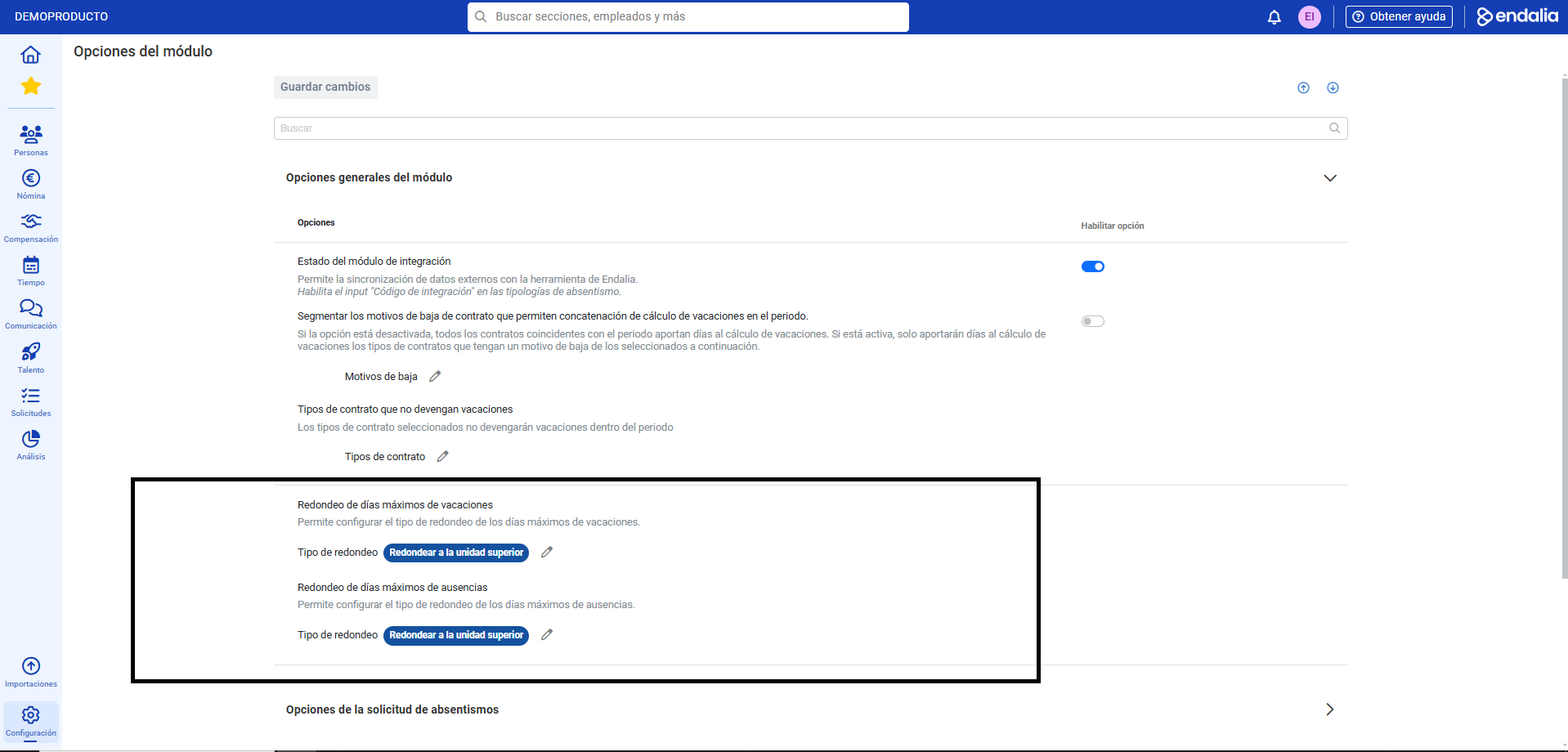
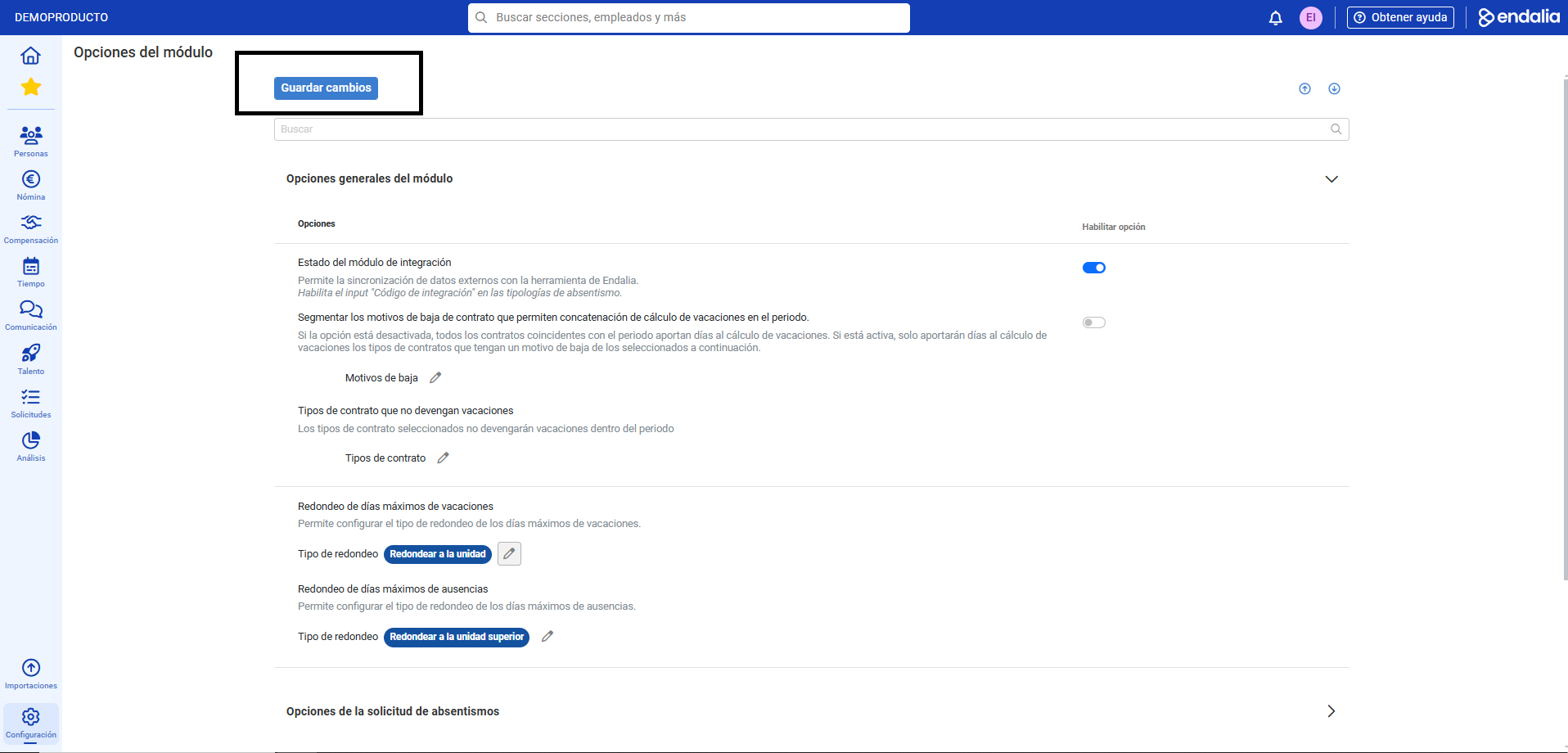
Process Video
Now, take a look at the following informative piece:
Still have questions? Take a look at the following related articles:
Additionally, you can view our glossary, available at this link.
Was this article helpful?
That’s Great!
Thank you for your feedback
Sorry! We couldn't be helpful
Thank you for your feedback
Feedback sent
We appreciate your effort and will try to fix the article