Important: This article is intended for Endalia HR users with an Administrator profile.
The process of integrating an employee into a company's staff goes far beyond contract signing. If you want to manage this process effectively, you are in the right place.
In this article:
Launch an onboarding
- Inside the hub Organization and People, go to People > Personnel Monitoring > Employees.
- On this screen, you have a list of the company's employees. Click on one of their names or select the corresponding checkbox and then click Edit employee record, a button located on the toolbar.
- In the left-hand menu items, select Organizational Information > Onboarding. To launch it, click the Launch onboarding
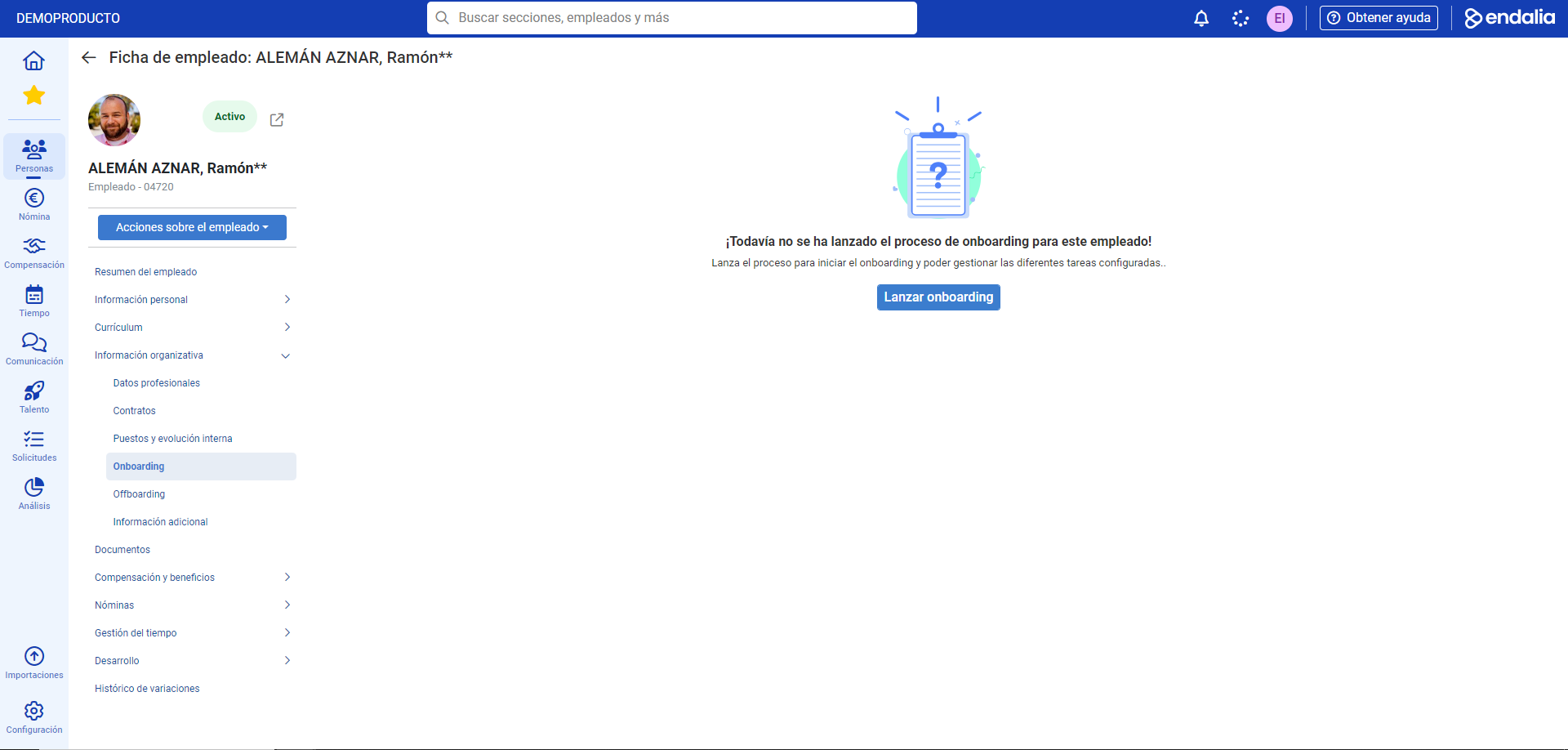 button.
 - On the following screen, you have a streamlined process in three steps. First, select the contract associated with the employee and the onboarding template, and click Next. The second step, summary, is an extension of the data from the template you previously chose; once verified, click Launch onboarding. To conclude this phase, the system will notify you that the onboarding has been launched successfully. Click on Go to the employee record
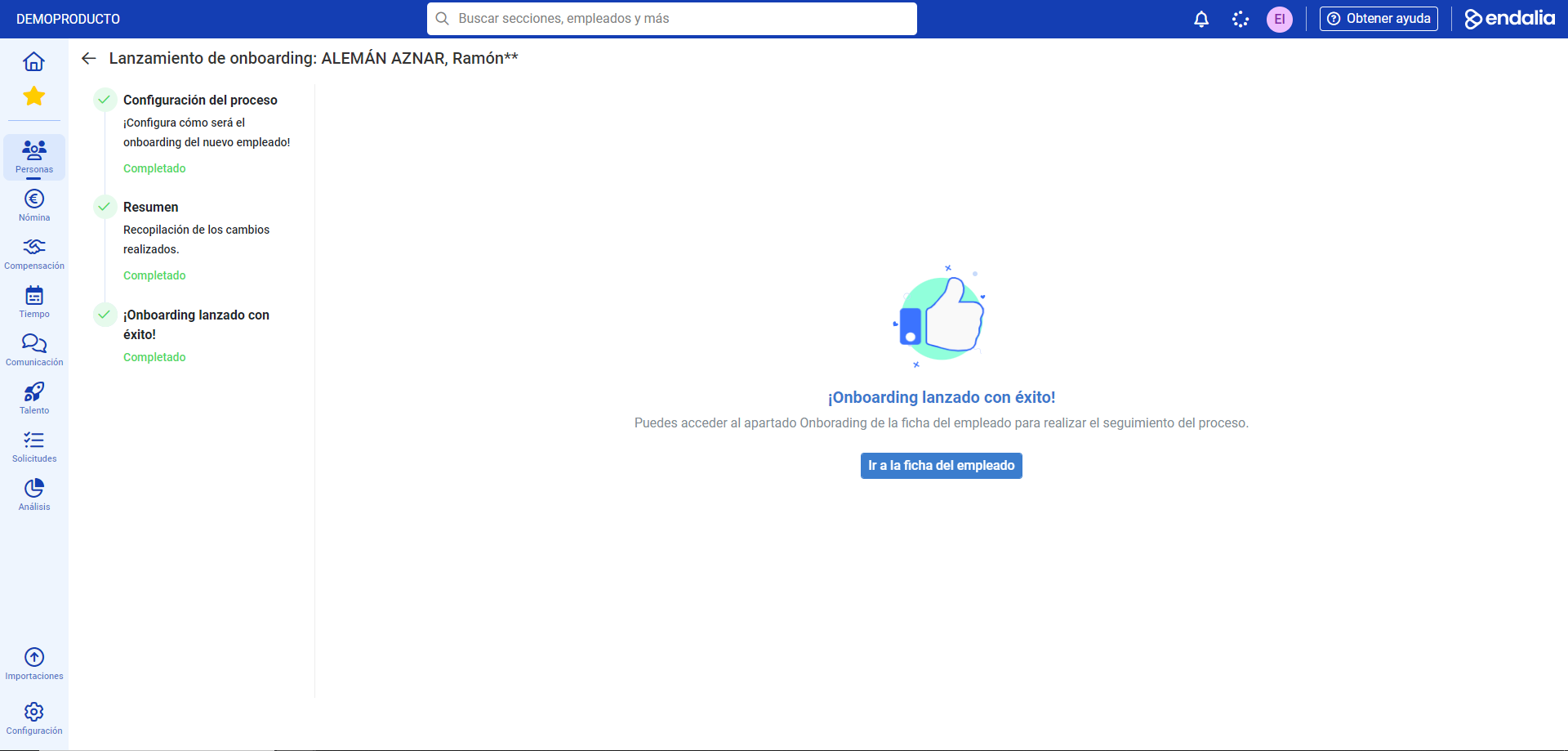 .
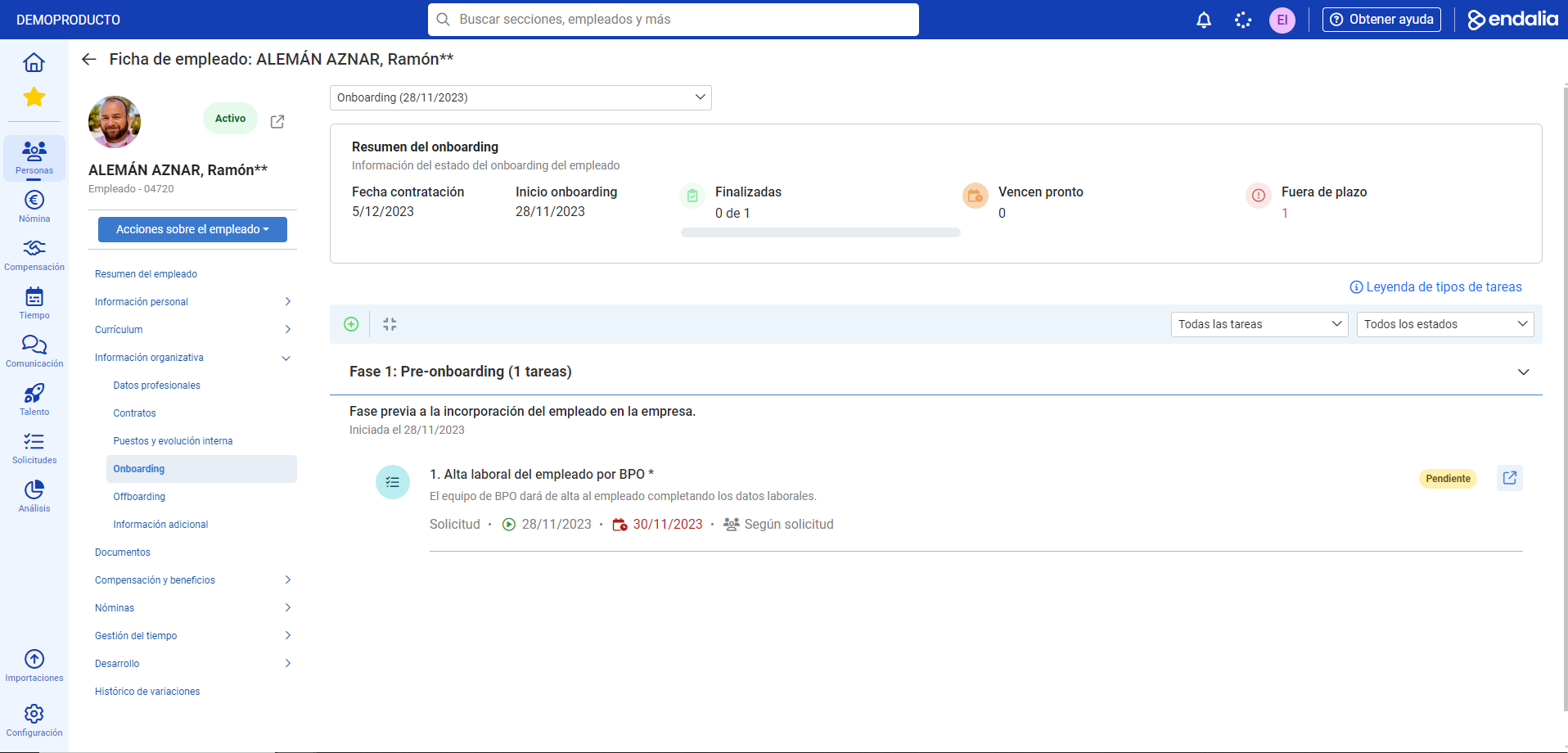
. - Now, navigate back to the menu item called Organizational Information, and click on Onboarding. At the top, you can see a summary of it, while the lower half of the screen displays the breakdown of the onboarding, with its phases and tasks corresponding to them, as well as additional information such as dates, people, or assigned groups, etc. Note that only check (accept/reject) tasks can be managed and canceled from here, while those related to digital signatures or requests will be carried out from the corresponding modules, in addition to appearing in Pending requests, within the employee's home section, for them to take the necessary actions.

Note: To launch an onboarding for a new employee, go to Organization and People > People > Company > Employees. In the toolbar, click Add employee (+) and follow the steps to add them to this process. Refer to register a new employee (related articles, a bit below these lines) to learn more.
Process video
Do you want to know more? Refer to the following related articles:
If you have questions about the terms, take a look at our glossary at this link.
Was this article helpful?
That’s Great!
Thank you for your feedback
Sorry! We couldn't be helpful
Thank you for your feedback
Feedback sent
We appreciate your effort and will try to fix the article